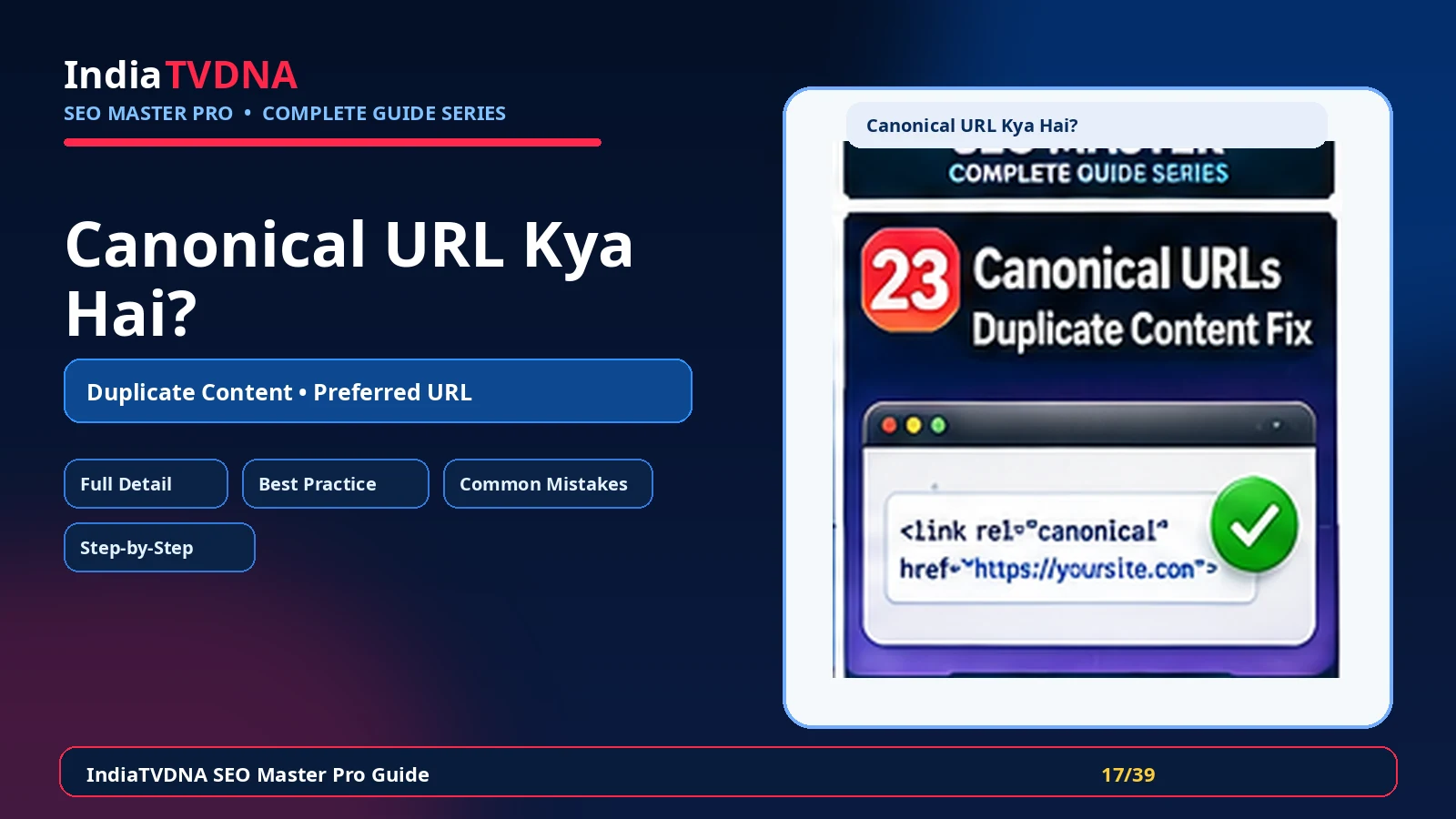
Canonical URL की complete Hindi guide: यह क्या करता है, क्यों जरूरी है, मुख्य settings, फायदे, common mistakes, verification और practical SEO use cases।
Canonical tag search engines को preferred version बताता है जब समान या बहुत मिलते-जुलते content के कई URLs उपलब्ध हों। यह redirect नहीं है; user वही page देखता है, लेकिन canonical indexing consolidation का संकेत देता है।
Parameters, filters, print pages, duplicate product paths या syndicated variants से multiple URLs बन सकते हैं। सही canonical signals indexing को एक preferred URL की ओर consolidate करने में मदद करते हैं।
1. Canonical URL का असली काम क्या है?
Canonical tag search engines को preferred version बताता है जब समान या बहुत मिलते-जुलते content के कई URLs उपलब्ध हों। यह redirect नहीं है; user वही page देखता है, लेकिन canonical indexing consolidation का संकेत देता है।
- self-referencing canonical
- custom canonical override
- HTTP/HTTPS और www/non-www consistency
- parameter/filter URL handling
- pagination और faceted navigation strategy
- cross-domain canonical advanced cases
2. यह SEO workflow में क्यों जरूरी है?
Parameters, filters, print pages, duplicate product paths या syndicated variants से multiple URLs बन सकते हैं। सही canonical signals indexing को एक preferred URL की ओर consolidate करने में मदद करते हैं।
- Duplicate URL signals consolidate
- Preferred URL स्पष्ट
- Link signals fragmentation कम करने में मदद
- Tracking/parameter variants का control
- Product/content duplicates manage करना आसान
3. इसके मुख्य controls/components समझें
Module को enable करने से पहले यह समझना जरूरी है कि कौन-सा control frontend output, crawl/indexing या reporting को बदलता है। हर option को site type और existing theme/plugins के context में evaluate करें।
- self-referencing canonical
- custom canonical override
- HTTP/HTTPS और www/non-www consistency
- parameter/filter URL handling
- pagination और faceted navigation strategy
- cross-domain canonical advanced cases
4. Practical benefits कहाँ मिलते हैं?
सही configuration का फायदा केवल dashboard score में नहीं, बल्कि cleaner technical output, predictable search/social behavior और maintenance workflow में दिखता है।
- Duplicate URL signals consolidate
- Preferred URL स्पष्ट
- Link signals fragmentation कम करने में मदद
- Tracking/parameter variants का control
- Product/content duplicates manage करना आसान
5. Blog, Business और WooCommerce में इसका use
एक ही setting हर site पर समान नहीं होती। Content model, user journey और ecommerce/dynamic pages के आधार पर strategy बदलती है।
- Blog: duplicate category/tag paths और syndicated copies review
- Business: HTTP/www variations consistent
- WooCommerce: product filters, variations और parameter URLs carefully manage
6. Recommended setup approach
पहले safe defaults रखें, फिर important URLs पर output verify करें और उसके बाद advanced options enable करें।
- Normal indexable pages पर self-canonical verify करें
- Preferred domain/HTTPS consistent रखें
- True duplicate page पर source से target canonical set करें
- Redirect योग्य old URL के लिए canonical नहीं, 301 use करें
- Sitemap में canonical URLs ही रखें
7. Best-practice settings
Best setting वह है जो clean output दे और existing theme/server/plugin stack से conflict न करे।
- Canonical target 200 OK और indexable होना चाहिए
- Canonical chain avoid करें
- Noindex page को canonical target बनाना avoid करें
- Internal links preferred canonical URL पर रखें
- Cross-domain canonical सावधानी से use करें
8. Common mistakes जिन्हें avoid करें
इस feature में गलत configuration SEO problem पैदा कर सकती है, इसलिए नीचे के patterns avoid करें।
- हर page canonical homepage पर करना
- 404/redirect URL को canonical target बनाना
- Canonical और sitemap/internal links में conflict
- Pagination/filter strategy बिना सोचे override करना
- HTTP और HTTPS canonical mismatch
9. कैसे verify करें कि feature सही काम कर रहा है?
Dashboard success message पर्याप्त नहीं है। Frontend/source और external verification जहाँ applicable हो, जरूर करें।
- View source में rel=canonical देखें
- Search Console user-declared vs Google-selected canonical देखें
- Target URL status code check करें
- Sitemap/internal links preferred URL से match करें
10. Troubleshooting checklist
अगर expected output नहीं मिलता, पहले cache clear करें और फिर duplicate plugin/theme/server output की जाँच करें।
- Google different canonical चुने तो content similarity/internal links/sitemap signals inspect करें
- Duplicate without user-selected canonical पर self-canonical coverage check करें
- Wrong canonical plugin/theme duplicate output remove करें
- Migration के बाद old domain canonical residue खोजें
11. Final recommendation
Canonical URL को isolated feature की तरह नहीं, overall technical SEO workflow के हिस्से की तरह use करें। Changes document करें, important URLs test करें और search engine decisions को time दें।
- Backup/rollback path रखें
- एक समय में controlled changes करें
- Frontend output verify करें
- Search Console/analytics trends monitor करें
Frequently Asked Questions
Site type और requirement पर निर्भर करता है। Feature useful हो सकता है, लेकिन blind enable के बजाय output और use case verify करें।
नहीं। Technical setting ranking guarantee नहीं करती। Content quality, relevance, links, crawl/indexing और competition भी important हैं।
Cache purge करें, important URLs/source verify करें और जहाँ relevant हो Search Console/validator tools से check करें।
Leave a Reply