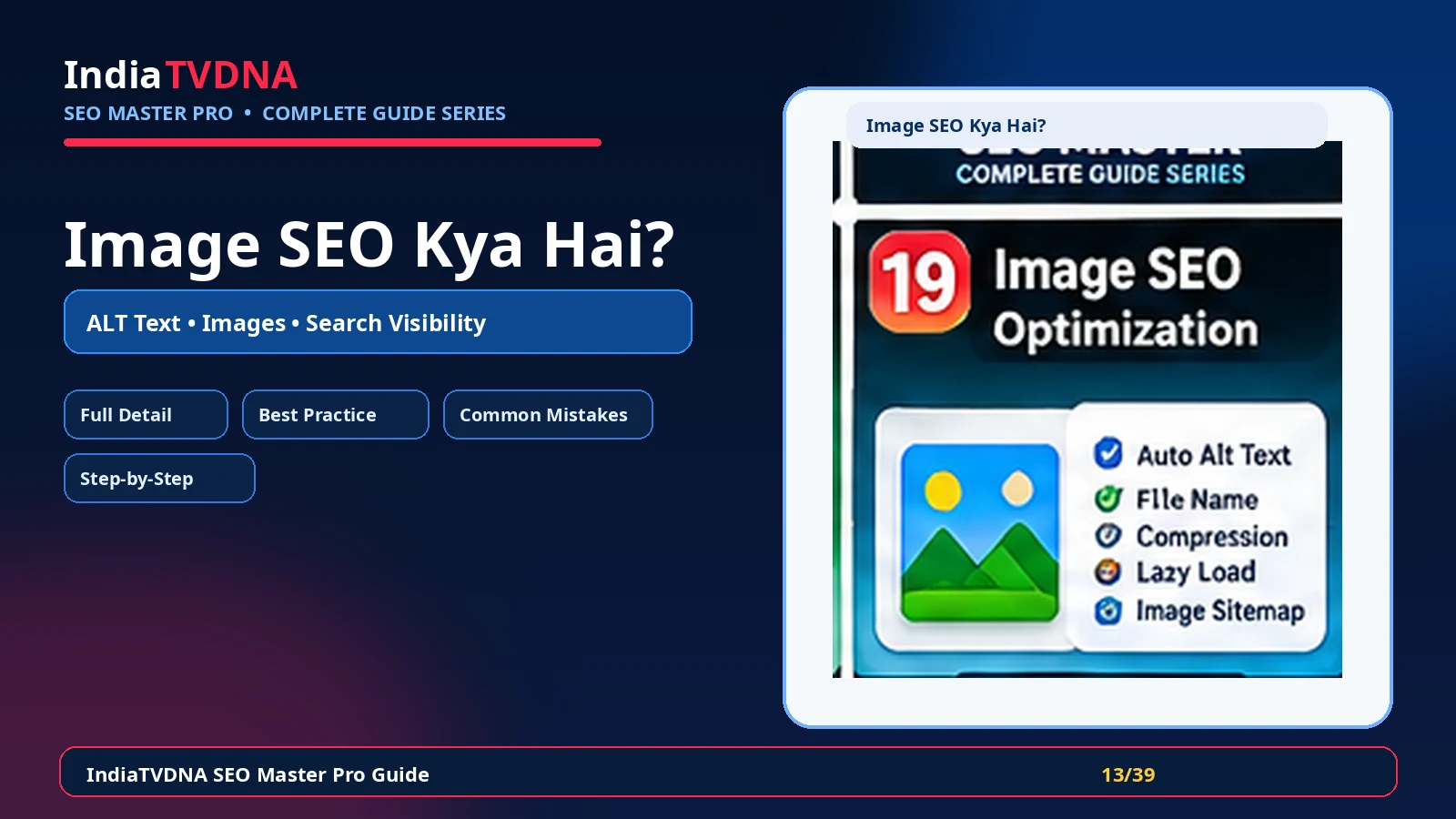
Image SEO की complete Hindi guide: यह क्या करता है, क्यों जरूरी है, मुख्य settings, फायदे, common mistakes, verification और practical SEO use cases।
Image SEO का लक्ष्य images को accessible, context-rich और technically crawlable बनाना है। ALT text, meaningful filenames, surrounding content, dimensions, compression और image delivery मिलकर search engines और users दोनों को image का context समझने में मदद करते हैं।
Images traffic, accessibility और page experience पर असर डाल सकती हैं। Poorly named, oversized या missing-alt images content understanding और UX को कमजोर कर सकती हैं, जबकि सही optimization बिना keyword stuffing के page quality improve करती है।
1. Image SEO का असली काम क्या है?
Image SEO का लक्ष्य images को accessible, context-rich और technically crawlable बनाना है। ALT text, meaningful filenames, surrounding content, dimensions, compression और image delivery मिलकर search engines और users दोनों को image का context समझने में मदद करते हैं।
- ALT text
- meaningful file names
- image title/caption जहाँ useful हो
- width/height attributes और layout stability
- compression/WebP/AVIF delivery
- image sitemap/attachment handling if supported
2. यह SEO workflow में क्यों जरूरी है?
Images traffic, accessibility और page experience पर असर डाल सकती हैं। Poorly named, oversized या missing-alt images content understanding और UX को कमजोर कर सकती हैं, जबकि सही optimization बिना keyword stuffing के page quality improve करती है।
- Accessibility बेहतर
- Image Search context मजबूत
- Page speed में मदद
- CLS/layout shift कम करने में support
- Content relevance स्पष्ट
3. इसके मुख्य controls/components समझें
Module को enable करने से पहले यह समझना जरूरी है कि कौन-सा control frontend output, crawl/indexing या reporting को बदलता है। हर option को site type और existing theme/plugins के context में evaluate करें।
- ALT text
- meaningful file names
- image title/caption जहाँ useful हो
- width/height attributes और layout stability
- compression/WebP/AVIF delivery
- image sitemap/attachment handling if supported
4. Practical benefits कहाँ मिलते हैं?
सही configuration का फायदा केवल dashboard score में नहीं, बल्कि cleaner technical output, predictable search/social behavior और maintenance workflow में दिखता है।
- Accessibility बेहतर
- Image Search context मजबूत
- Page speed में मदद
- CLS/layout shift कम करने में support
- Content relevance स्पष्ट
5. Blog, Business और WooCommerce में इसका use
एक ही setting हर site पर समान नहीं होती। Content model, user journey और ecommerce/dynamic pages के आधार पर strategy बदलती है।
- Blog: screenshots/illustrations को descriptive ALT
- Business: service/location images meaningful context के साथ
- WooCommerce: product images consistent, high-quality और variant-aware
6. Recommended setup approach
पहले safe defaults रखें, फिर important URLs पर output verify करें और उसके बाद advanced options enable करें।
- Important images की ALT audit करें
- Decorative images का ALT empty रखने की जरूरत समझें
- Upload से पहले descriptive filenames रखें
- Oversized images resize/compress करें
- Featured और product images के metadata verify करें
7. Best-practice settings
Best setting वह है जो clean output दे और existing theme/server/plugin stack से conflict न करे।
- ALT में image का purpose/context लिखें, keyword list नहीं
- Filename readable hyphen format रखें
- Exact dimensions serve करें
- Hero/LCP image को blindly lazy-load न करें
- Duplicate attachment pages की index strategy तय करें
8. Common mistakes जिन्हें avoid करें
इस feature में गलत configuration SEO problem पैदा कर सकती है, इसलिए नीचे के patterns avoid करें।
- हर image में same keyword भरना
- Decorative icons को verbose ALT देना
- 5MB image upload करके CSS से छोटा दिखाना
- Image URL बदलकर broken references छोड़ना
- ALT को caption/title के duplicate filler में बदलना
9. कैसे verify करें कि feature सही काम कर रहा है?
Dashboard success message पर्याप्त नहीं है। Frontend/source और external verification जहाँ applicable हो, जरूर करें।
- Frontend HTML में alt attributes देखें
- Lighthouse/PageSpeed से image sizing/compression warnings देखें
- Search Console image-related discovery indirectly monitor करें
- Broken image URLs और mixed content check करें
10. Troubleshooting checklist
अगर expected output नहीं मिलता, पहले cache clear करें और फिर duplicate plugin/theme/server output की जाँच करें।
- ALT save न हो तो theme/page-builder rendering inspect करें
- WebP न serve हो तो server/CDN support check करें
- Blurred image हो तो source dimensions कम न हों
- Lazy-load conflict पर hero/payment/logo exclusions test करें
11. Final recommendation
Image SEO को isolated feature की तरह नहीं, overall technical SEO workflow के हिस्से की तरह use करें। Changes document करें, important URLs test करें और search engine decisions को time दें।
- Backup/rollback path रखें
- एक समय में controlled changes करें
- Frontend output verify करें
- Search Console/analytics trends monitor करें
Frequently Asked Questions
Site type और requirement पर निर्भर करता है। Feature useful हो सकता है, लेकिन blind enable के बजाय output और use case verify करें।
नहीं। Technical setting ranking guarantee नहीं करती। Content quality, relevance, links, crawl/indexing और competition भी important हैं।
Cache purge करें, important URLs/source verify करें और जहाँ relevant हो Search Console/validator tools से check करें।
Leave a Reply