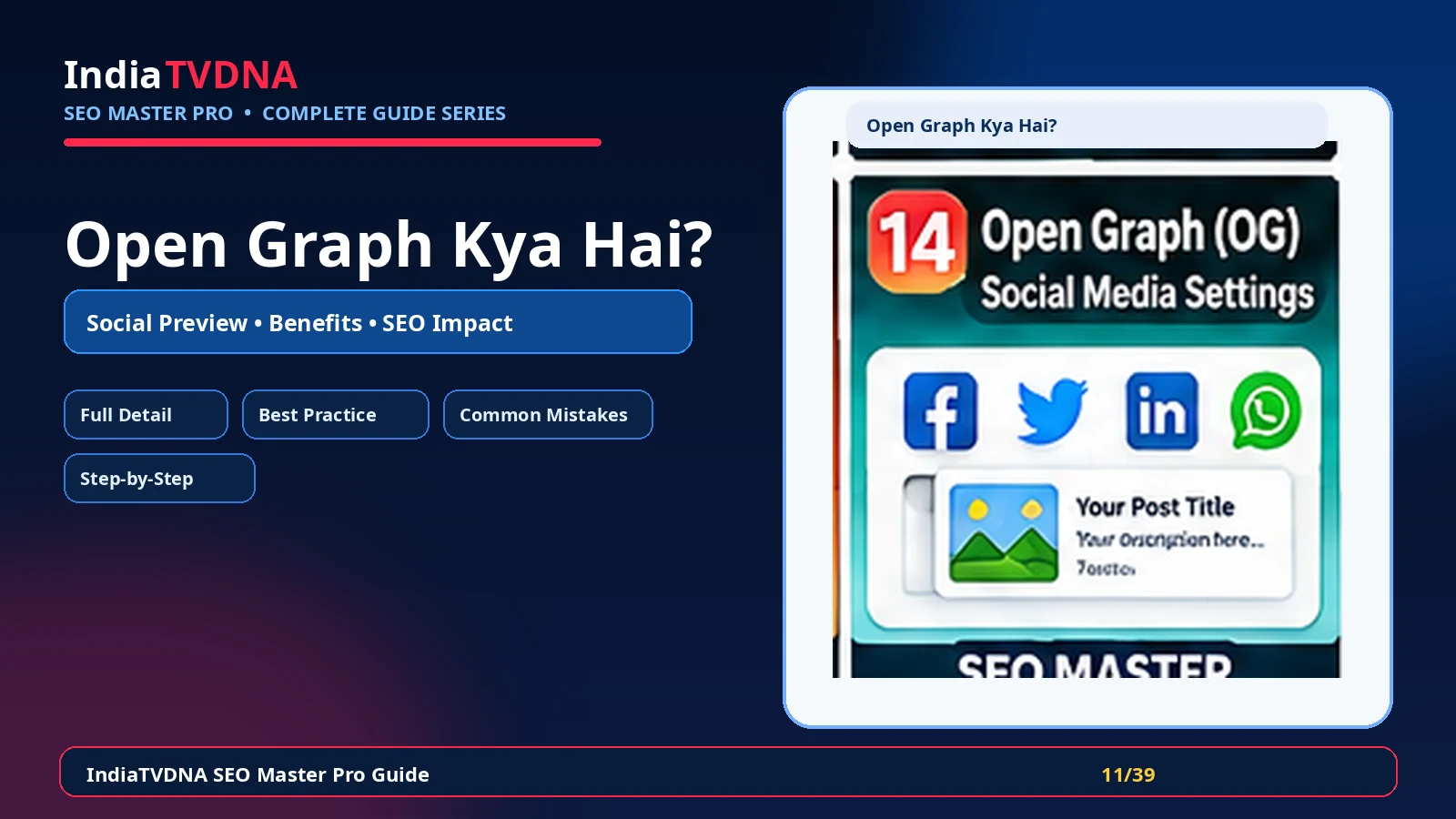
Open Graph / Social Sharing की complete Hindi guide: यह क्या करता है, क्यों जरूरी है, मुख्य settings, फायदे, common mistakes, verification और practical SEO use cases।
Open Graph metadata social networks और messaging apps को बताता है कि किसी URL को share करते समय कौन-सा title, description और image preview दिखाना चाहिए। यह search ranking tag नहीं है, लेकिन clean sharing presentation, brand consistency और click-through quality के लिए उपयोगी है।
जब page share होता है और सही metadata नहीं मिलता, platform random text या unsuitable image उठा सकता है। सही Open Graph setup से important pages predictable और professional preview के साथ share होते हैं।
1. Open Graph / Social Sharing का असली काम क्या है?
Open Graph metadata social networks और messaging apps को बताता है कि किसी URL को share करते समय कौन-सा title, description और image preview दिखाना चाहिए। यह search ranking tag नहीं है, लेकिन clean sharing presentation, brand consistency और click-through quality के लिए उपयोगी है।
- og:title और social title template
- og:description और concise social summary
- og:image का suitable featured/social image
- og:url/canonical-aligned URL
- site/brand identity और fallback image
- Twitter/X card compatibility जहाँ module support करे
2. यह SEO workflow में क्यों जरूरी है?
जब page share होता है और सही metadata नहीं मिलता, platform random text या unsuitable image उठा सकता है। सही Open Graph setup से important pages predictable और professional preview के साथ share होते हैं।
- Social preview पर बेहतर control
- Brand consistency
- Wrong/random thumbnail की संभावना कम
- Campaign links की professional presentation
- Product/article sharing आसान
3. इसके मुख्य controls/components समझें
Module को enable करने से पहले यह समझना जरूरी है कि कौन-सा control frontend output, crawl/indexing या reporting को बदलता है। हर option को site type और existing theme/plugins के context में evaluate करें।
- og:title और social title template
- og:description और concise social summary
- og:image का suitable featured/social image
- og:url/canonical-aligned URL
- site/brand identity और fallback image
- Twitter/X card compatibility जहाँ module support करे
4. Practical benefits कहाँ मिलते हैं?
सही configuration का फायदा केवल dashboard score में नहीं, बल्कि cleaner technical output, predictable search/social behavior और maintenance workflow में दिखता है।
- Social preview पर बेहतर control
- Brand consistency
- Wrong/random thumbnail की संभावना कम
- Campaign links की professional presentation
- Product/article sharing आसान
5. Blog, Business और WooCommerce में इसका use
एक ही setting हर site पर समान नहीं होती। Content model, user journey और ecommerce/dynamic pages के आधार पर strategy बदलती है।
- Blog: featured image + article-focused social text
- Business: service/offer pages पर clear value proposition
- WooCommerce: product image, price/availability claims को current रखें
6. Recommended setup approach
पहले safe defaults रखें, फिर important URLs पर output verify करें और उसके बाद advanced options enable करें।
- Open Graph/Social module enable करें
- Default social title और description template तय करें
- Site-wide fallback social image चुनें
- Important posts/products पर custom social image रखें
- Homepage और key landing pages का preview अलग से verify करें
7. Best-practice settings
Best setting वह है जो clean output दे और existing theme/server/plugin stack से conflict न करे।
- Social image लगभग 1200×630 ratio के आसपास रखें
- Title concise रखें और unnecessary keyword stuffing न करें
- Description readable और intent-focused रखें
- Canonical और og:url में conflicting domain/version न हो
- एक ही page पर multiple SEO plugins से duplicate OG tags avoid करें
8. Common mistakes जिन्हें avoid करें
इस feature में गलत configuration SEO problem पैदा कर सकती है, इसलिए नीचे के patterns avoid करें।
- Low-resolution logo को हर page पर social image बनाना
- OG image URL blocked/private होना
- Multiple og:title/og:image tags output करना
- Social title में बहुत लंबा promotional text
- Cache purge किए बिना preview test करना
9. कैसे verify करें कि feature सही काम कर रहा है?
Dashboard success message पर्याप्त नहीं है। Frontend/source और external verification जहाँ applicable हो, जरूर करें।
- Page source में og:title, og:description, og:image देखें
- Facebook/LinkedIn जैसे validator/debugger tools से URL re-scrape करें
- WhatsApp/other app में fresh URL test करें
- Cache/CDN purge के बाद updated preview verify करें
10. Troubleshooting checklist
अगर expected output नहीं मिलता, पहले cache clear करें और फिर duplicate plugin/theme/server output की जाँच करें।
- Old preview दिखे तो social platform cache re-scrape करें
- Image न दिखे तो public HTTPS URL और image dimensions check करें
- Wrong title हो तो duplicate SEO plugin output खोजें
- CDN/hotlink protection image access block तो नहीं verify करें
11. Final recommendation
Open Graph / Social Sharing को isolated feature की तरह नहीं, overall technical SEO workflow के हिस्से की तरह use करें। Changes document करें, important URLs test करें और search engine decisions को time दें।
- Backup/rollback path रखें
- एक समय में controlled changes करें
- Frontend output verify करें
- Search Console/analytics trends monitor करें
Frequently Asked Questions
Site type और requirement पर निर्भर करता है। Feature useful हो सकता है, लेकिन blind enable के बजाय output और use case verify करें।
नहीं। Technical setting ranking guarantee नहीं करती। Content quality, relevance, links, crawl/indexing और competition भी important हैं।
Cache purge करें, important URLs/source verify करें और जहाँ relevant हो Search Console/validator tools से check करें।
Leave a Reply