Description
INDIATVDNA ORIGINAL SOFTWARE
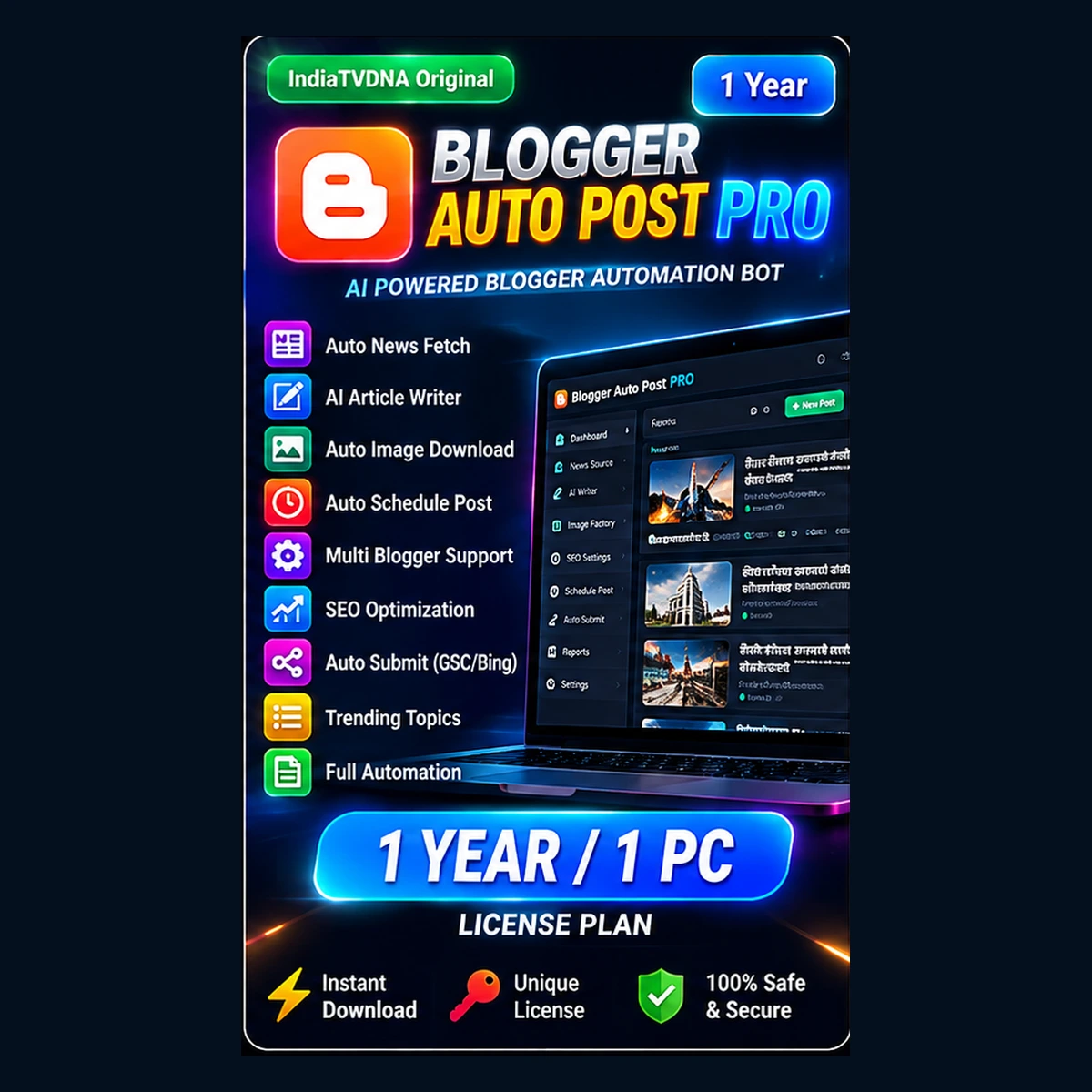
Blogger Auto Post Pro – 1 Year / 1 PC
Version 1.0.0 · Instant digital delivery after successful payment.
⚡ Instant Download🔑 Unique License🛡️ Secure Checkout✉️ Email Delivery
✨ Main Features
- News Feeds, X.com Trends and Google Trends content discovery
- Auto-Alternate source mode for continuous topic discovery
- Competitor Sitemap Sniper for competitor-topic discovery
- Multi-Agent AI Newsroom workflow for article creation
- Blogger multi-account credential rotation and scheduling workflow
- ChatGPT + Gemini Image Factory with multiple provider modes
- Google/Bing real-image search fallback and image quality checks
- Automatic Web Story creation, scheduling and AMP validation workflow
- Cloudflare Web Story setup, same-domain sharding and delivery tools
- Google News Sitemap + crawl health diagnostics
- Google Discover PRO diagnostic audit tools
- Google Search Console sitemap sync + Bing IndexNow workflow
- Facebook and Threads auto-share / catch-up workflows
- Telegram setup and auto-share support
- YouTube feed / channel content modes and direct social sharing options
- Auto content planner for 3-day, 7-day and 30-day scheduling stages
- SEO niche profiles, structured content checks and Discover quality guard
- Background health checks, retry logic and duplicate protection
💻 System Requirements
- Windows 10 or Windows 11 64-bit
- Stable internet connection for Blogger, AI, trends, images and search tools
- Python 3.13 64-bit recommended; included setup creates a local virtual environment
- Google Chrome or Microsoft Edge installed for browser-based AI/image workflows
- Google Blogger OAuth client JSON from your own Google Cloud project
- Your own AI/API keys only for the providers you choose to use
- Recommended: 16 GB RAM or more and a modern multi-core CPU
- Cloudflare / Search Console / Facebook / Threads / Telegram accounts are optional and configured by the customer when those modules are used
🚀 Installation / Usage
- Download the Blogger Auto Post Pro customer ZIP from My Account → Downloads.
- Extract the ZIP to a simple local folder. Do not run it directly inside the ZIP.
- Run SETUP_FIRST_TIME.bat once and let the required packages finish installing.
- Run CONFIGURE_BLOGGER_BOT.bat and enter your own Blogger site/domain information.
- Place your own Blogger OAuth client JSON file(s) inside Bot_DataCredentials when prompted by the included guide.
- Run START_BLOGGER_AUTO_POST.bat and activate the IndiaTVDNA license on this PC.
- Use the main menu to configure optional AI keys, Cloudflare, Search Console, social sharing and Web Story features only when required.
- Start with one test Blogger post before enabling bulk scheduling or the 30-day planner.
- Keep your API keys, OAuth files and social tokens private. Never share them with other customers.
- Use DEACTIVATE_THIS_PC.bat before moving a 1-PC license to another computer.
📘 More Details
Plan: 365 days · 1 PC activation.
Designed for regular publishers who want the full Blogger Auto Post Pro workflow for one year.
Digital product: No physical item will be shipped. Your download and license are delivered after payment. Keep a backup of your purchased file and license key.
Reviews
There are no reviews yet.