Description
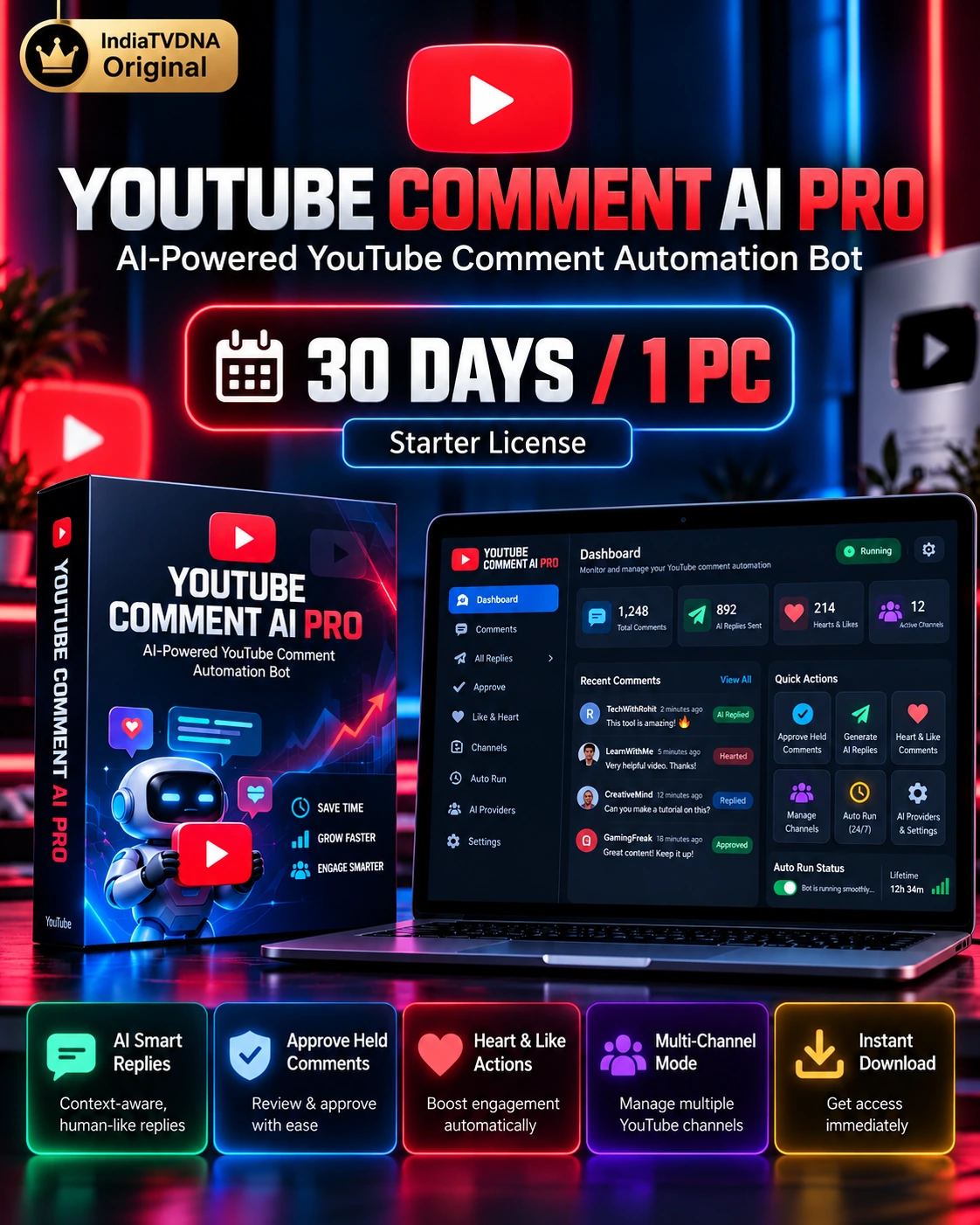
YouTube Comment AI Pro – 30 Days / 1 PC
YouTube Comment AI Pro focuses specifically on Published YouTube comment replies. It reads the viewer comment and the related video title, then asks the selected AI provider for one natural context-aware reply.
Important: engagement can help you respond consistently, but this software does not guarantee views, subscribers, ranking or virality.
Features
- Automatic replies to Published YouTube Studio comments
- Reply context uses both the viewer comment and the related video title
- Hindi, Hinglish and English reply-style matching
- Groq, Gemini, DeepSeek and OpenRouter preferred-provider + fallback workflow
- AI safety check skips obvious spam/abusive comments instead of auto-deleting them
- Duplicate-reply protection using local persistent reply history
- Visible creator-reply detection to avoid replying twice
- Single-channel or All Saved Channels auto-run
- Add, update and delete YouTube channel handles from the menu
- Shared Chrome login profile to avoid repeated logins across saved channels
- Channel verification before replies are posted
- Optional headless mode
- Local API-key storage and local reply-history storage
- Stable Unicode reply insertion for Hindi and emoji text
- IndiaTVDNA 1-PC server-verified license activation
System Requirements
- Windows 10 or Windows 11 64-bit
- Google Chrome installed
- Stable internet connection
- Python 3.10+ 64-bit; included setup creates a local virtual environment
- At least one customer-owned AI API key: Groq, Gemini, DeepSeek or OpenRouter
- A Google/YouTube account with access to the channel(s) being managed
- Recommended: 8 GB RAM or more
Setup & Use
- Download the customer ZIP from My Account → Downloads and extract it to a normal local folder.
- Run SETUP_FIRST_TIME.bat once.
- Run SETUP_AI_KEYS.bat and add at least one of your own AI provider API keys.
- Run START_YOUTUBE_COMMENT_AI_PRO.bat and activate the IndiaTVDNA license on this PC.
- Use Naya Channel Add in the main menu and enter your own @channel handle.
- Complete Google/YouTube login in the browser the first time it opens.
- Choose one channel or All Saved Channels, enter the number of comments to reply to, and select the preferred AI provider.
- Review early runs before using larger reply counts.
- Use DEACTIVATE_THIS_PC.bat before moving a 1-PC license to another computer.
Plan: 30 days · 1 PC activation.
Designed for creators who want consistent, relevant community replies without fake virality promises.
Reviews
There are no reviews yet.