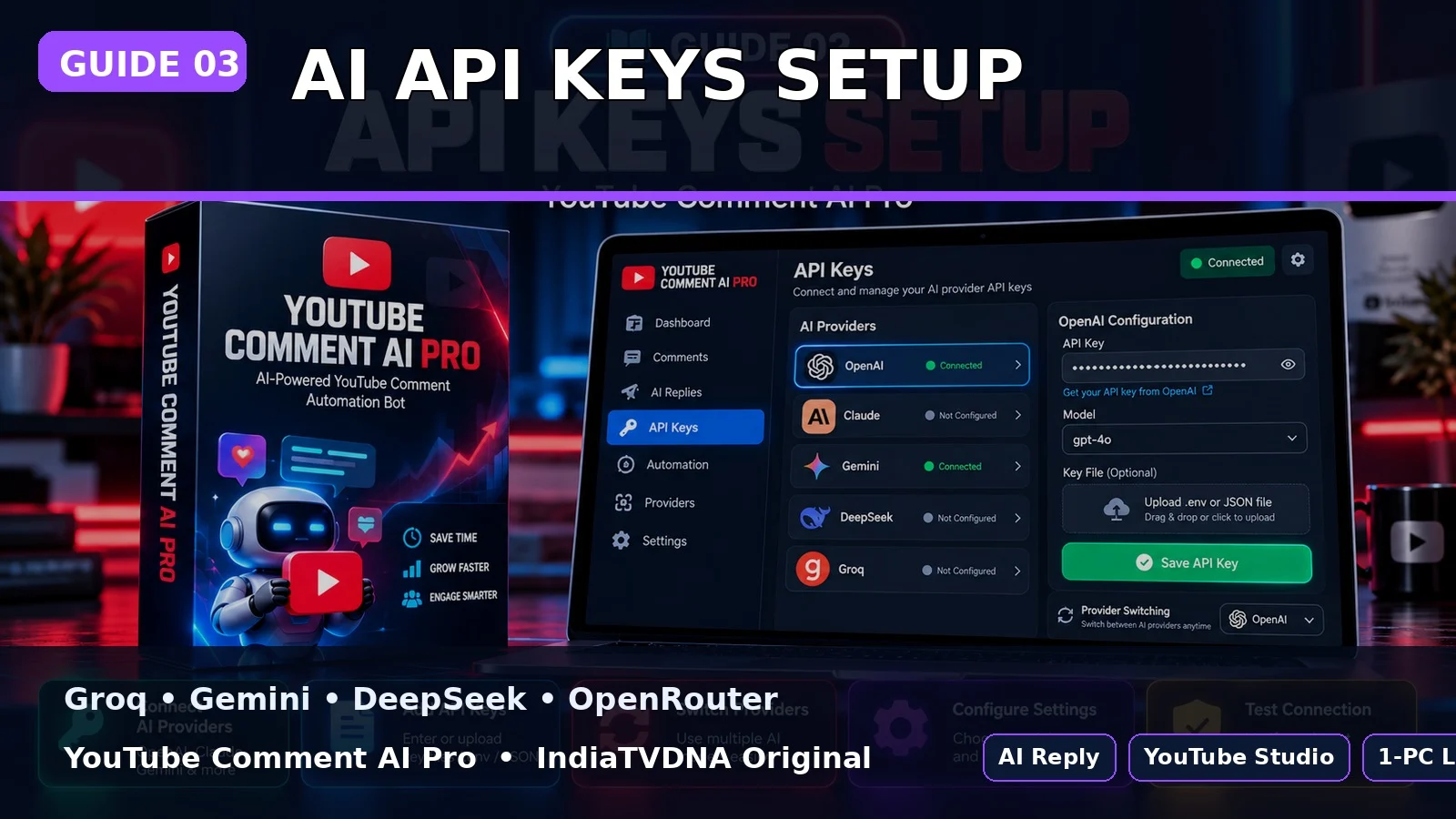
YOUTUBE COMMENT AI PRO GUIDE
Groq, Gemini, DeepSeek और OpenRouter API Keys कैसे सेट करें?
कम से कम एक provider key जरूरी है; बाकी providers fallback के लिए optional हैं.
इस guide में क्या सीखेंगे?
- इस option का actual काम
- Step-by-step setup/use
- Common mistakes और safe best practices
1एक key भी enough
Groq, Gemini, DeepSeek या OpenRouter में से कम से कम एक valid key use की जा सकती है.
2Preferred + fallback
Menu में preferred provider चुनते हैं; saved fallback keys available हों तो primary fail होने पर दूसरी service try हो सकती है.
3Keys कहाँ रहती हैं
SETUP_AI_KEYS.bat customer PC के local YouTube_Bot_Data/bot_key folder में keys save करता है.
Best Practice
- पहली run छोटे reply count से test करें.
- AI/API keys और Google login profile private रखें.
- Auto reply publish होने के बाद शुरुआती runs manually review करें.
- यह tool engagement workflow है; virality की guarantee नहीं देता.
PLANS & DOWNLOAD
YouTube Comment AI Pro Plans देखें
30 Days / 1 PC, 1 Year / 1 PC और Lifetime / 1 PC plans IndiaTVDNA store पर उपलब्ध हो सकते हैं.
Leave a Reply