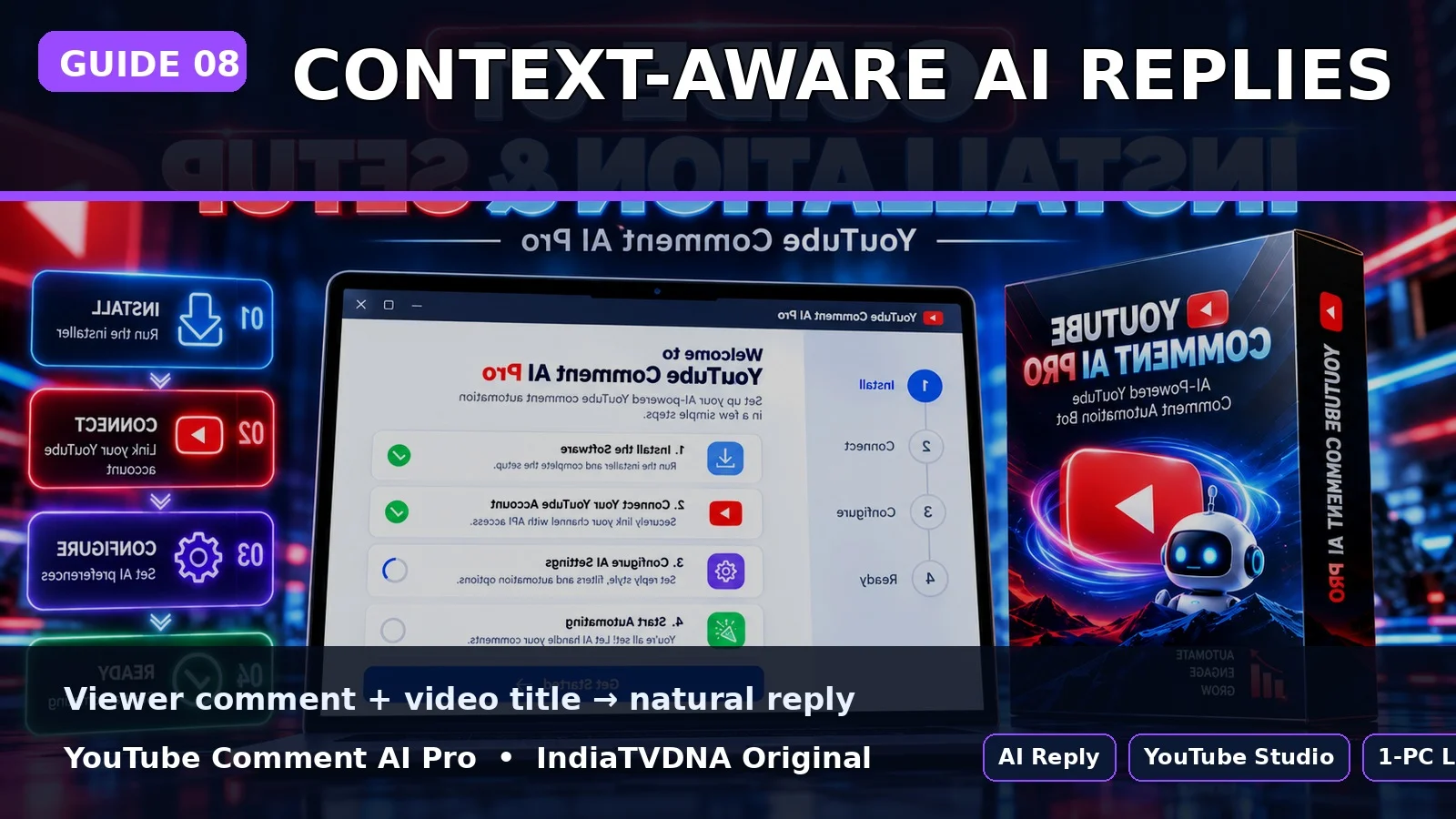
YOUTUBE COMMENT AI PRO GUIDE
AI Reply कैसे बनता है? Video Title + Viewer Comment Context Explained
Viewer comment और related video title AI prompt में जाते हैं; unknown details invent नहीं करनी चाहिए.
इस guide में क्या सीखेंगे?
- इस option का actual काम
- Step-by-step setup/use
- Common mistakes और safe best practices
1Comment read
Viewer का actual comment text read किया जाता है, emoji text सहित.
2Video title read
उसी thread से video title read करके reply prompt का context बनाया जाता है.
3Natural reply rules
Reply same language style रखने, hashtag stuffing avoid करने और unknown details invent न करने के rules use करता है.
Best Practice
- पहली run छोटे reply count से test करें.
- AI/API keys और Google login profile private रखें.
- Auto reply publish होने के बाद शुरुआती runs manually review करें.
- यह tool engagement workflow है; virality की guarantee नहीं देता.
PLANS & DOWNLOAD
YouTube Comment AI Pro Plans देखें
30 Days / 1 PC, 1 Year / 1 PC और Lifetime / 1 PC plans IndiaTVDNA store पर उपलब्ध हो सकते हैं.
Leave a Reply