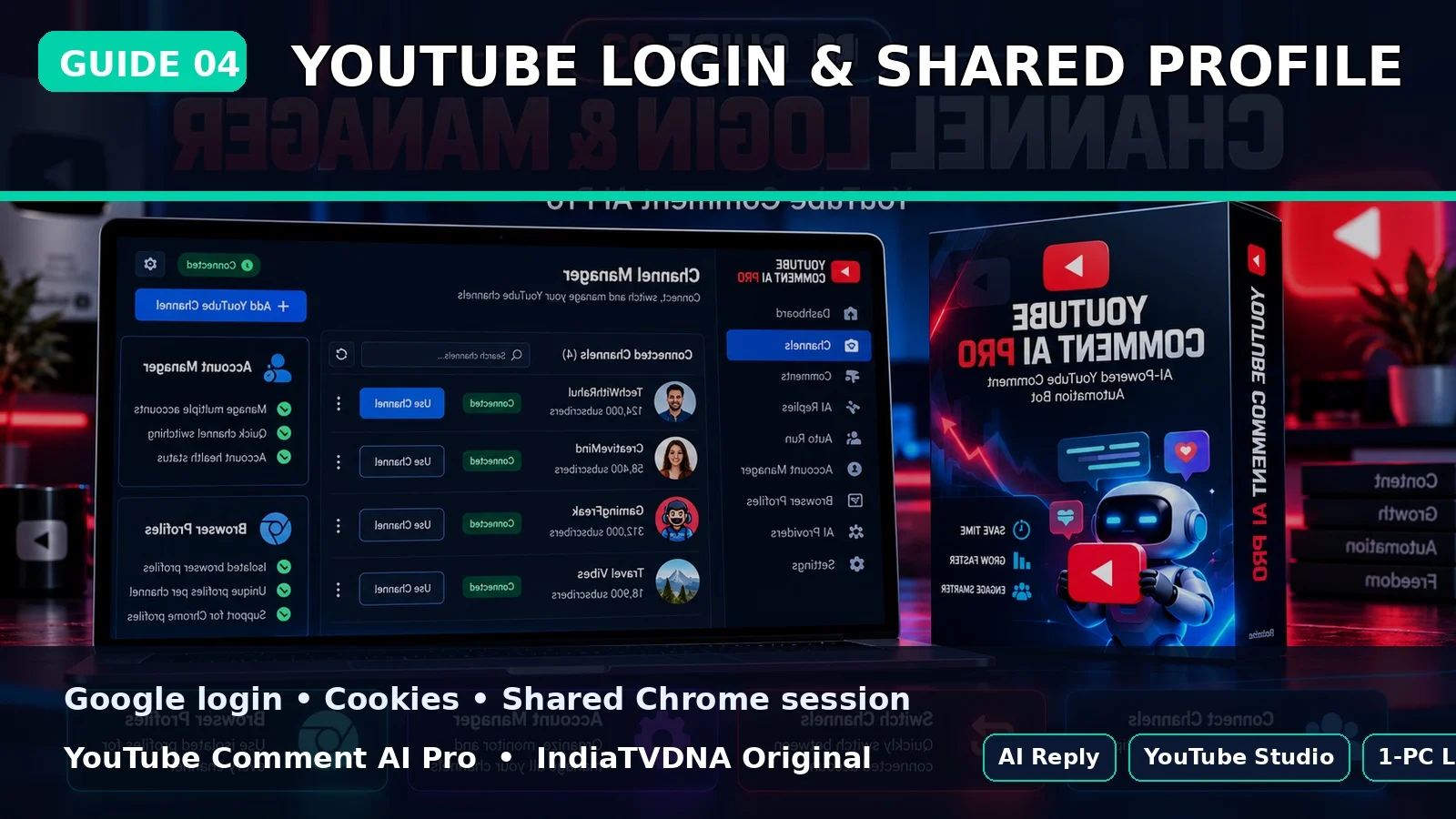
YOUTUBE COMMENT AI PRO GUIDE
YouTube Studio Login और Shared Browser Profile Setup
Bot local shared browser profile reuse करता है ताकि saved channels के बीच repeated login कम हो.
इस guide में क्या सीखेंगे?
- इस option का actual काम
- Step-by-step setup/use
- Common mistakes और safe best practices
1First login
पहली run में browser Google sign-in page दिखा सकता है; उसी account से login करें जिसके पास channel access है.
2Shared profile
Saved channels एक shared Chrome profile reuse कर सकते हैं ताकि cookies/login बार-बार न भरना पड़े.
3Security
Browser profile folder private रखें; इसमें login cookies हो सकती हैं.
Best Practice
- पहली run छोटे reply count से test करें.
- AI/API keys और Google login profile private रखें.
- Auto reply publish होने के बाद शुरुआती runs manually review करें.
- यह tool engagement workflow है; virality की guarantee नहीं देता.
PLANS & DOWNLOAD
YouTube Comment AI Pro Plans देखें
30 Days / 1 PC, 1 Year / 1 PC और Lifetime / 1 PC plans IndiaTVDNA store पर उपलब्ध हो सकते हैं.
Leave a Reply