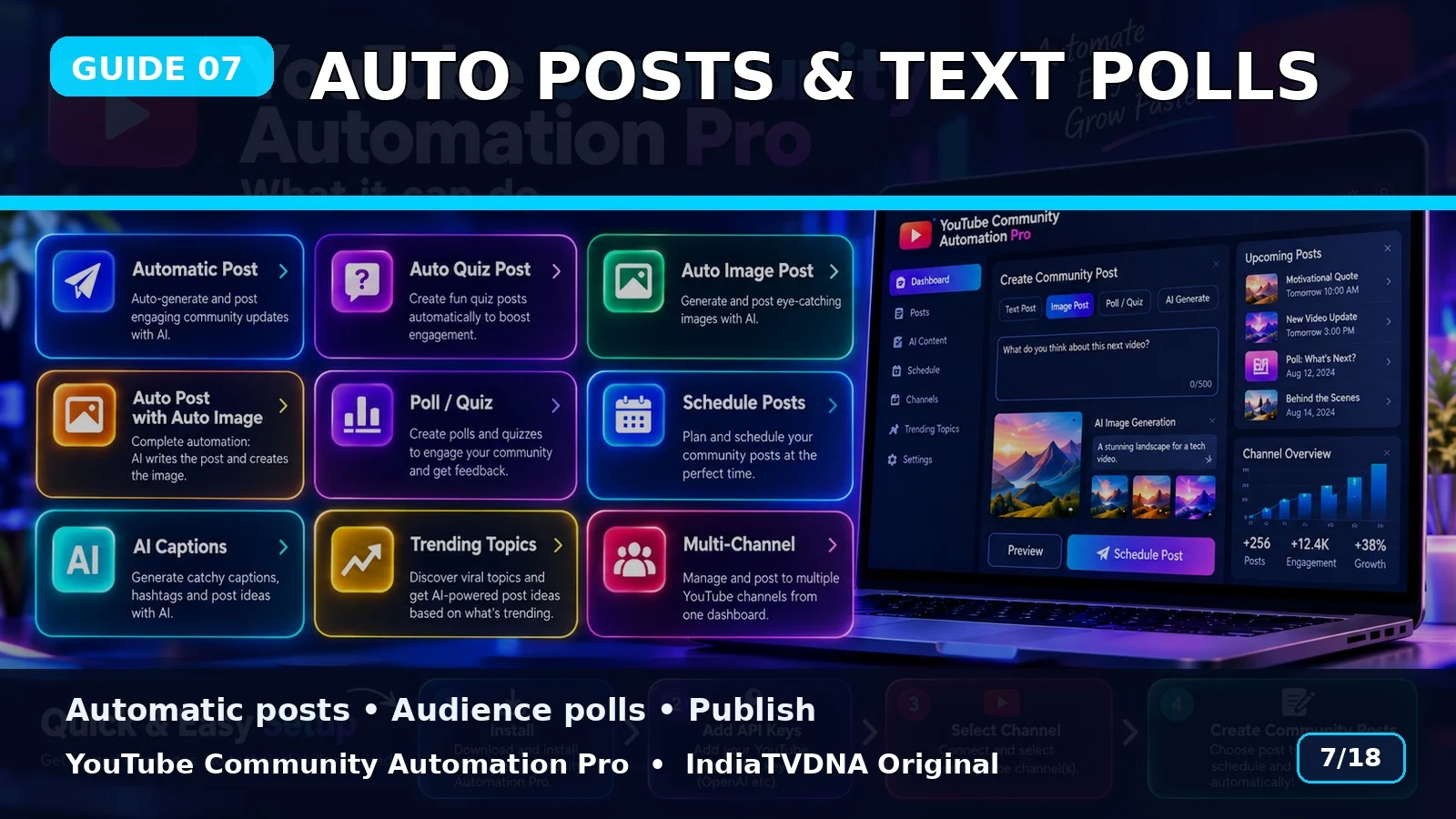
Automatic Posts और Text Polls कैसे बनाएं?
Automatic posts, text polls, publish और schedule workflow को use करना सीखें.
Automatic Posts
Selected topic/mode के आधार पर bot post data तैयार करके publish या schedule flow में भेज सकता है.
Text Poll
Opinion/engagement questions को poll options के साथ Community में post किया जा सकता है.
Post count
Manual mode में per-channel post count choose किया जा सकता है; presets 10–20 से 100–500 तक code में हैं. बड़े counts सावधानी से use करें.
Basic use flow
- Customer ZIP पूरी तरह extract करें.
- SETUP_FIRST_TIME.bat run करें.
- अपनी API/login details configure करें.
- RUN – YouTube Community Automation Pro.bat start करें.
- Channel → Topic → Post Type → Publish/Schedule choose करें.
- पहले small test run करें.
Important: यह software workflow automation करता है; YouTube reach, engagement, ranking, views या subscriber growth की guarantee नहीं देता.
📣 YouTube Community Automation Pro · IndiaTVDNA
इस guide में बताए गए Community automation workflow के लिए YouTube Community Automation Pro के plans देखें.
Leave a Reply