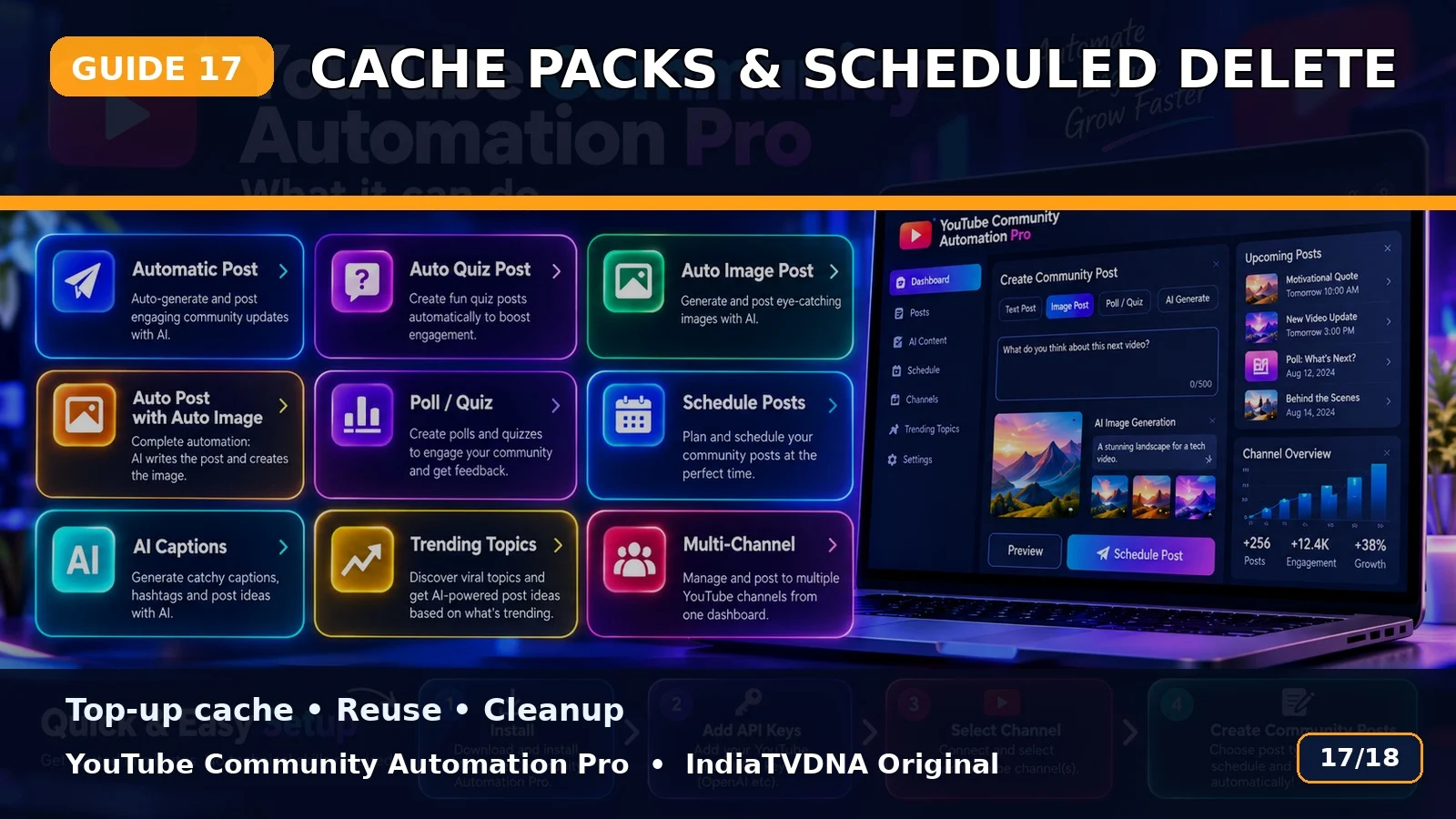
Cache Packs, Reuse और Scheduled Post Delete Workflow
Top-up cache, Used Post Packs और scheduled-post cleanup workflow की guide.
Top-up Cache
Bot run से पहले manual post-data top-up generate करके cache vault में reusable data तैयार किया जा सकता है.
Used Post Packs
Successful text+image packs later reuse के लिए save हो सकते हैं.
Scheduled Delete
Menu से selected channel के scheduled posts automatic delete workflow में remove किए जा सकते हैं; delete count/delay controls available हैं.
Basic use flow
- Customer ZIP पूरी तरह extract करें.
- SETUP_FIRST_TIME.bat run करें.
- अपनी API/login details configure करें.
- RUN – YouTube Community Automation Pro.bat start करें.
- Channel → Topic → Post Type → Publish/Schedule choose करें.
- पहले small test run करें.
Important: यह software workflow automation करता है; YouTube reach, engagement, ranking, views या subscriber growth की guarantee नहीं देता.
📣 YouTube Community Automation Pro · IndiaTVDNA
इस guide में बताए गए Community automation workflow के लिए YouTube Community Automation Pro के plans देखें.
Leave a Reply