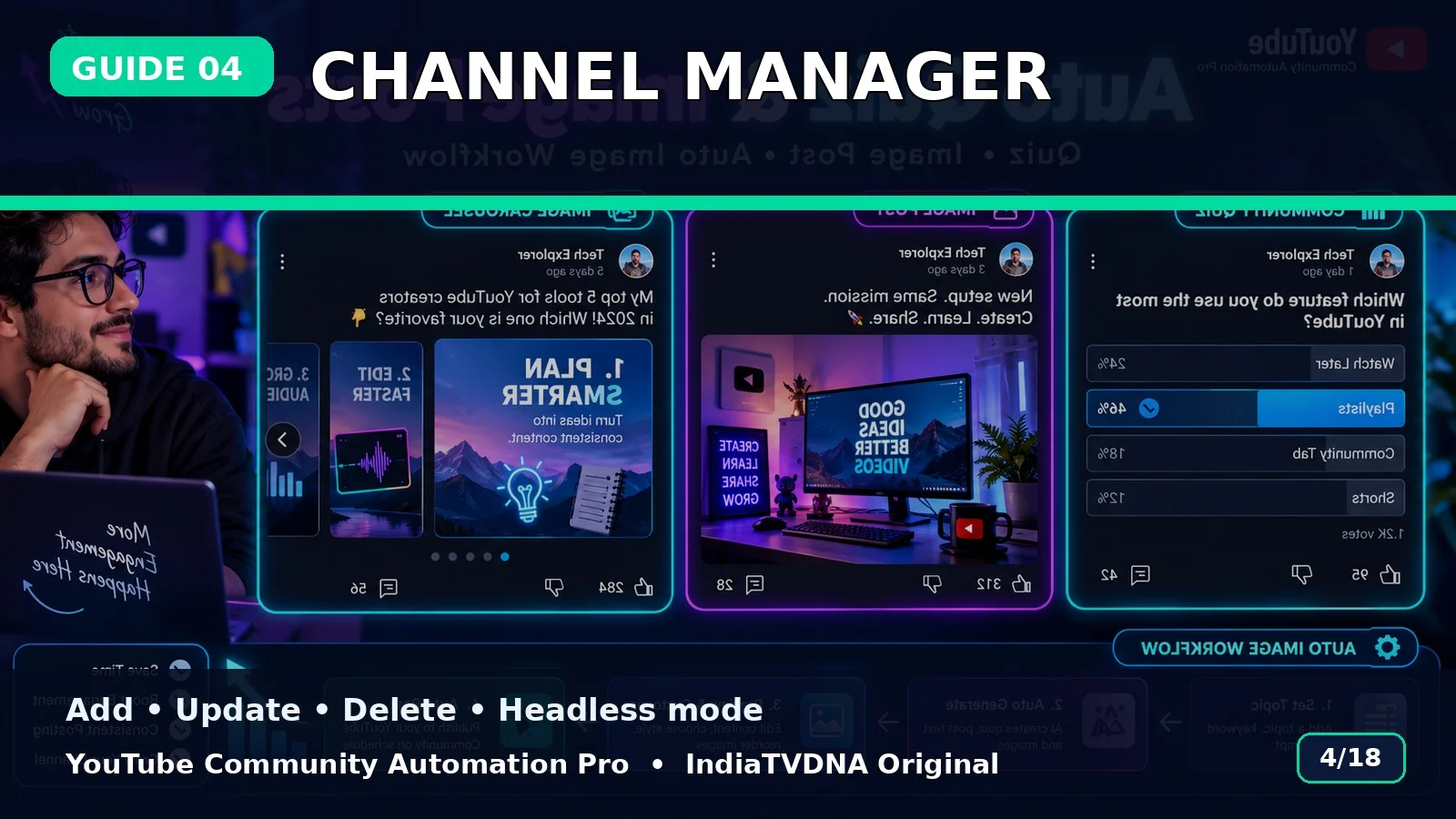
Channel Manager: Add, Update, Delete और Headless Mode
Saved channels manage करना, All Channels mode और headless setting का practical guide.
Single या All Channels
Menu से एक saved channel या सभी channels sequentially select किए जा सकते हैं.
Channel Manager
Naya Channel Add, Channel Update और Channel Delete options saved handles manage करते हैं.
Headless Mode
Browser UI दिखाना/छिपाना Toggle Headless Mode से control किया जाता है. First login/test visible browser में करना आसान रहता है.
Basic use flow
- Customer ZIP पूरी तरह extract करें.
- SETUP_FIRST_TIME.bat run करें.
- अपनी API/login details configure करें.
- RUN – YouTube Community Automation Pro.bat start करें.
- Channel → Topic → Post Type → Publish/Schedule choose करें.
- पहले small test run करें.
Important: यह software workflow automation करता है; YouTube reach, engagement, ranking, views या subscriber growth की guarantee नहीं देता.
📣 YouTube Community Automation Pro · IndiaTVDNA
इस guide में बताए गए Community automation workflow के लिए YouTube Community Automation Pro के plans देखें.
Leave a Reply