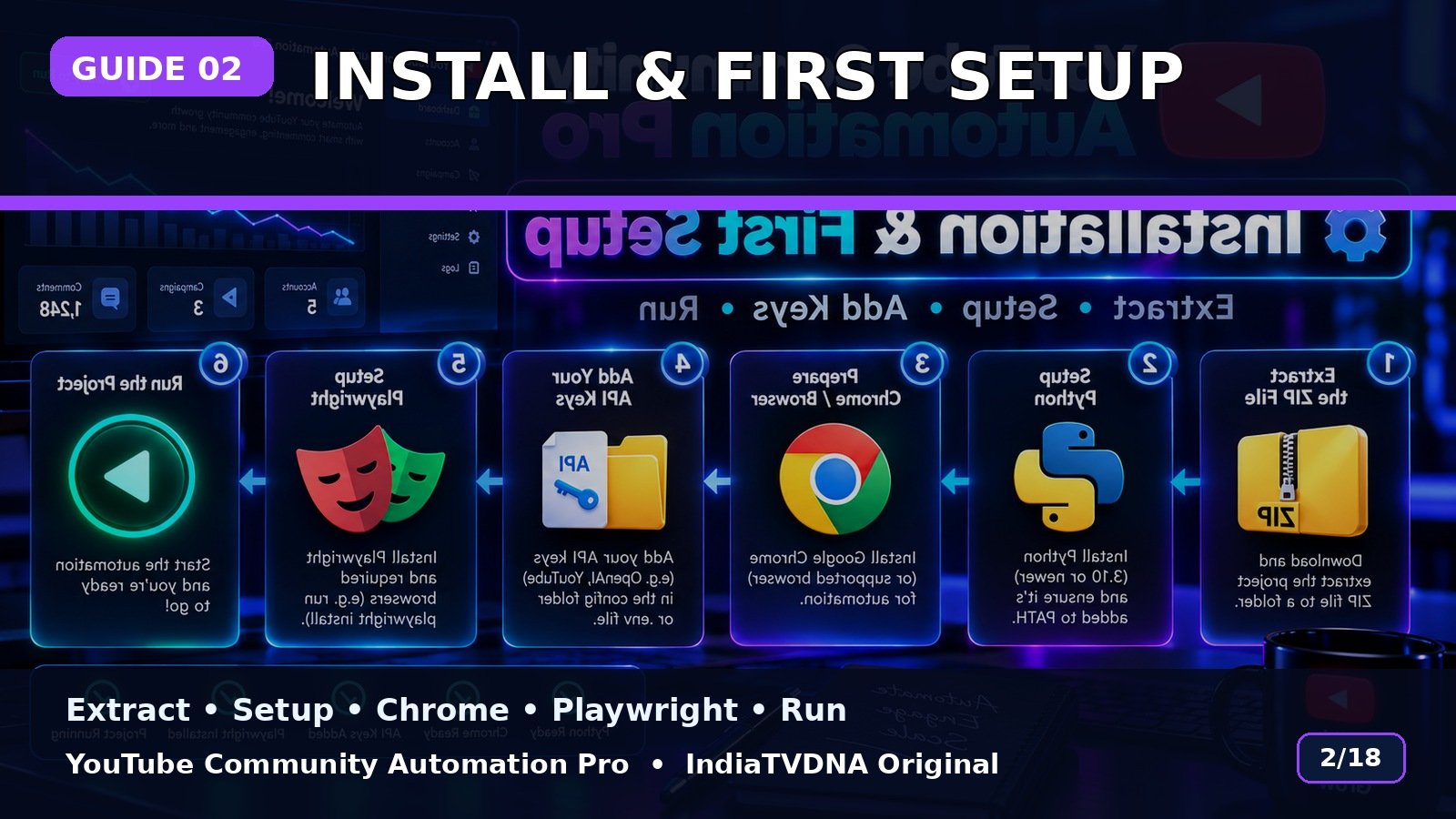
YouTube Community Automation Pro Install & First-Time Setup Guide
ZIP extract, Python, Chrome, Playwright, API keys और first run की step-by-step guide.
Step 1 — ZIP Extract
Customer ZIP को पूरा extract करें. Archive के अंदर से bot run न करें.
Step 2 — First Setup
SETUP_FIRST_TIME.bat run करें. Required Python packages और Playwright Chromium install/verify होने दें.
Step 3 — Keys + Run
ज़रूरत के हिसाब से अपनी API keys YouTube_Bot_Databot_key में add करें, फिर RUN – YouTube Community Automation Pro.bat चलाएँ.
Step 4 — First Test
पहली run कम post-count और एक channel से test करें. Login/channel verification सही होने के बाद larger runs करें.
Basic use flow
- Customer ZIP पूरी तरह extract करें.
- SETUP_FIRST_TIME.bat run करें.
- अपनी API/login details configure करें.
- RUN – YouTube Community Automation Pro.bat start करें.
- Channel → Topic → Post Type → Publish/Schedule choose करें.
- पहले small test run करें.
Important: यह software workflow automation करता है; YouTube reach, engagement, ranking, views या subscriber growth की guarantee नहीं देता.
📣 YouTube Community Automation Pro · IndiaTVDNA
इस guide में बताए गए Community automation workflow के लिए YouTube Community Automation Pro के plans देखें.
Leave a Reply