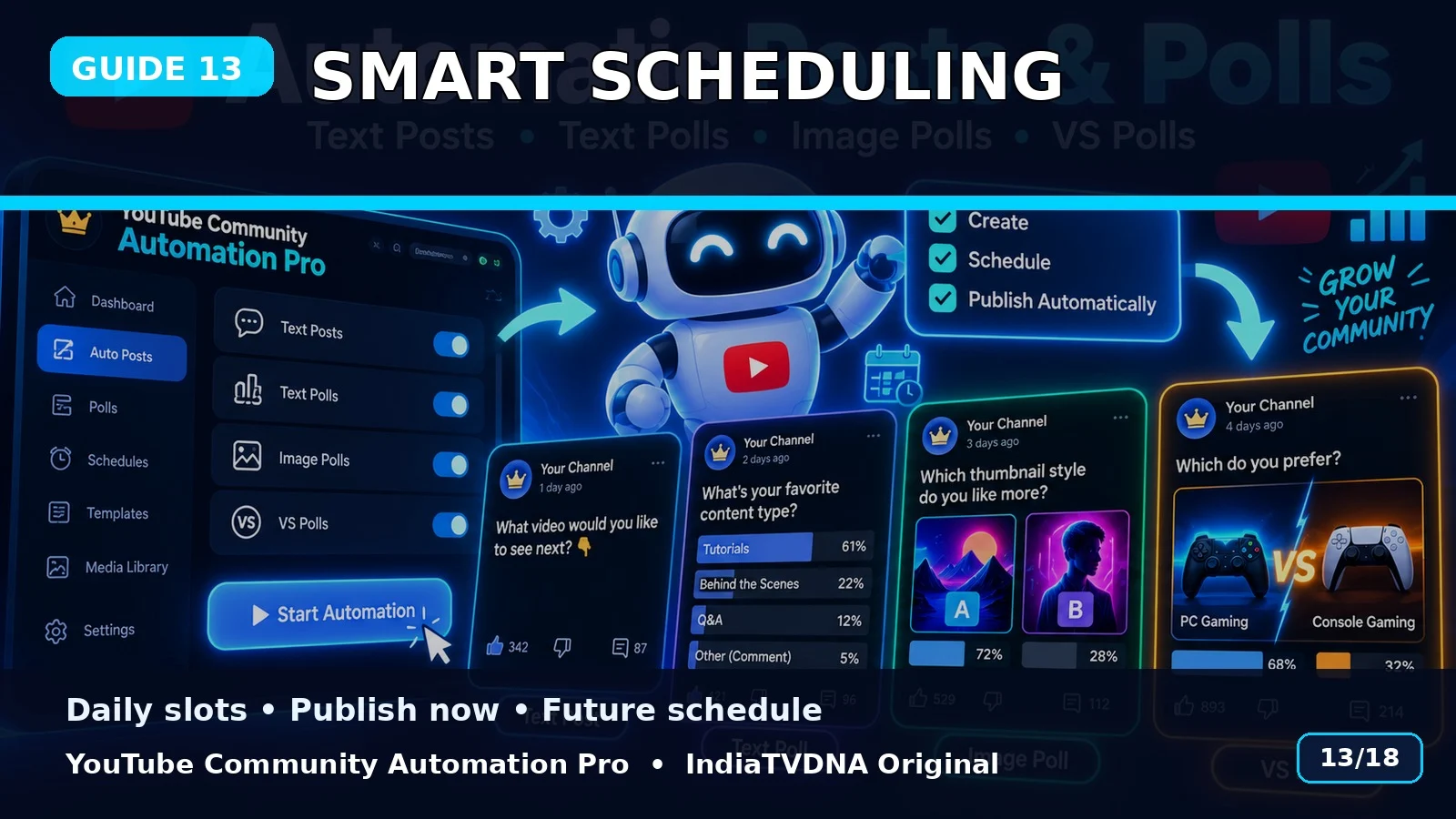
Smart Scheduling: Publish Now, Daily Slots और Future Posts
1–10 posts/day presets, scheduling slots और future post workflow की guide.
Publish vs Schedule
Generated post को तुरंत Publish या Schedule mode में भेजा जा सकता है.
Daily presets
Code में 1, 2, 3, 4, 5, 6, 8 और 10 posts/day के predefined time-slot presets हैं.
Practical use
High-frequency schedule से पहले channel audience और YouTube policies के अनुसार low-volume testing recommended है.
Basic use flow
- Customer ZIP पूरी तरह extract करें.
- SETUP_FIRST_TIME.bat run करें.
- अपनी API/login details configure करें.
- RUN – YouTube Community Automation Pro.bat start करें.
- Channel → Topic → Post Type → Publish/Schedule choose करें.
- पहले small test run करें.
Important: यह software workflow automation करता है; YouTube reach, engagement, ranking, views या subscriber growth की guarantee नहीं देता.
📣 YouTube Community Automation Pro · IndiaTVDNA
इस guide में बताए गए Community automation workflow के लिए YouTube Community Automation Pro के plans देखें.
Leave a Reply