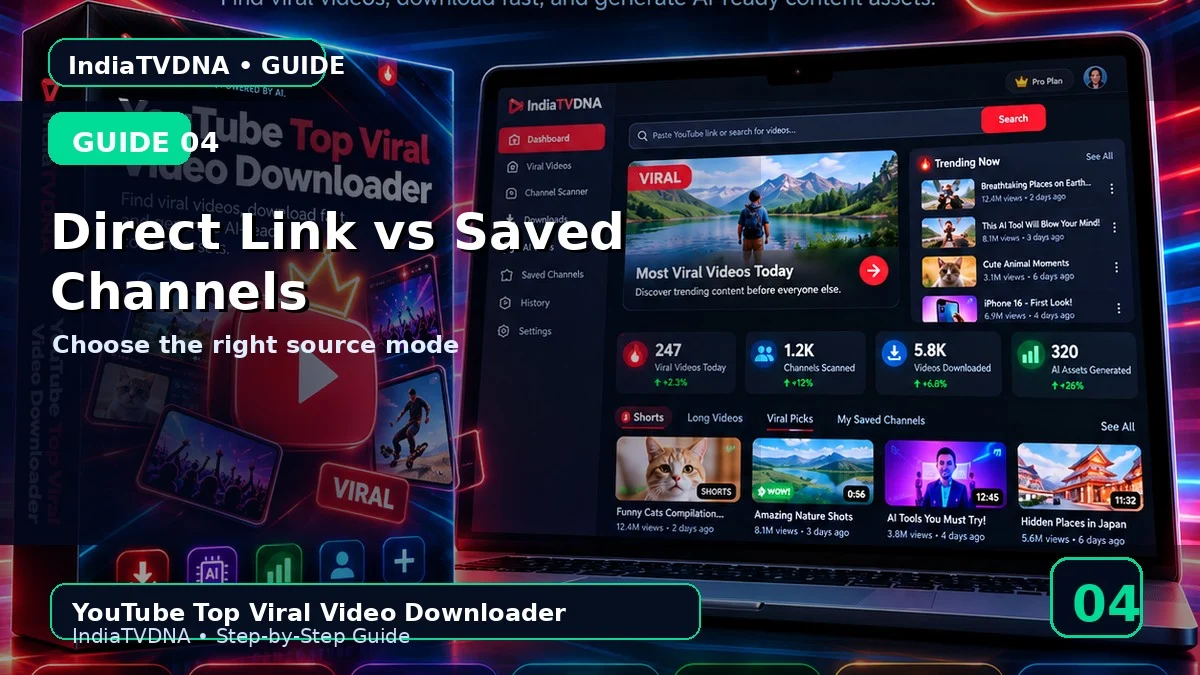
YOUTUBE TOP VIRAL VIDEO DOWNLOADER GUIDE
Direct Link vs Saved Channels Mode — कौन सा कब Use करें?
Direct और multi-channel workflow समझें
इस guide में क्या सीखेंगे?
- इस feature/option का actual काम
- Step-by-step practical use
- Common mistakes और troubleshooting
- Safe creator workflow और best practices
1Direct Link
जब एक specific video या एक channel जल्दी scan करना हो तो Direct Link mode सबसे सीधा है.
2Saved Channels
channels.txt में एक channel URL per line रखकर multiple channels को एक ही run में scan किया जा सकता है.
3Smart distribution
Saved Channels mode scan target को available channels में distribute करता है ताकि कुल recent scan count अलग-अलग channels पर बाँटा जा सके.
4Dead channel alert
Filters/history के बाद किसी saved channel से valid नया video न मिले तो log में alert आ सकता है ताकि stale channel हटाया जा सके.
5Best practice
पहले कम channels और छोटा recent count रखकर validate करें, फिर list और scan depth बढ़ाएँ.
Recommended Workflow
- पहली run में 1–2 authorized videos और AI options OFF से basic download test करें.
- Saved Channels/filters को छोटे scan count से verify करके बाद में scale करें.
- AI output को publish करने से पहले manually review करें.
- सिर्फ वही video/content download या reuse करें जिस पर आपका अधिकार या permission हो.
INDIATVDNA ORIGINAL
YouTube Top Viral Video Downloader Plans
30 Days / 1 PC, 1 Year / 1 PC और Lifetime / 1 PC plans देखें.
Leave a Reply