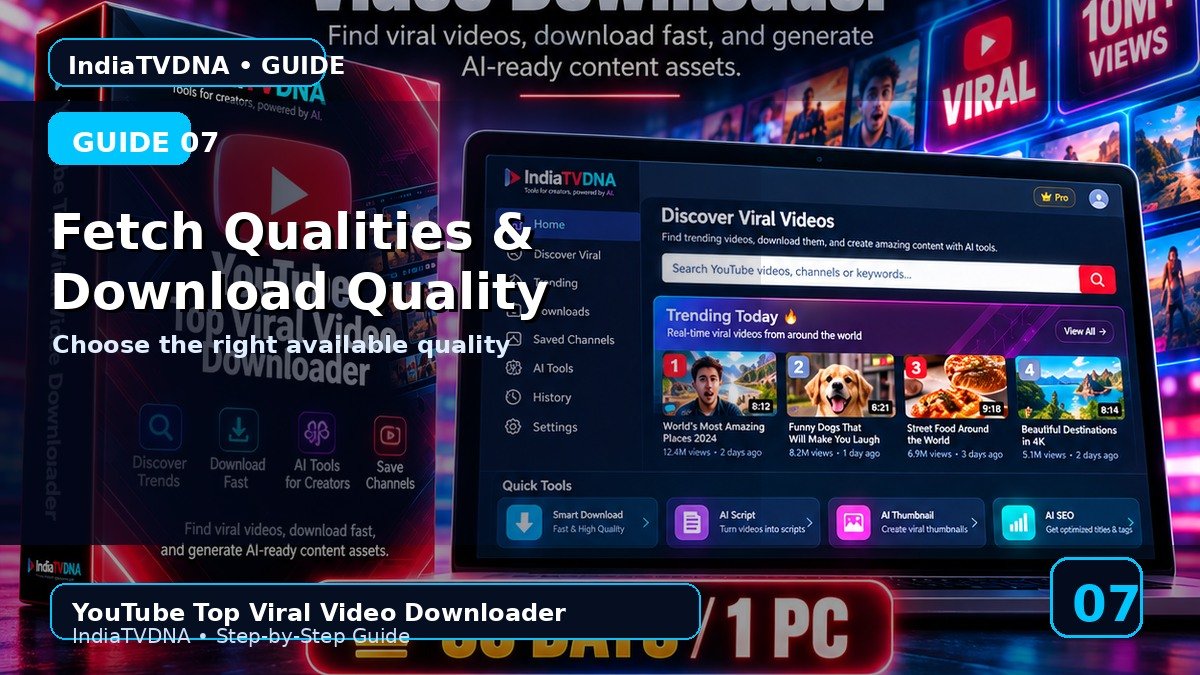
YOUTUBE TOP VIRAL VIDEO DOWNLOADER GUIDE
Fetch Qualities और Download Quality कैसे चुनें?
सही quality चुनकर download करें
इस guide में क्या सीखेंगे?
- इस feature/option का actual काम
- Step-by-step practical use
- Common mistakes और troubleshooting
- Safe creator workflow और best practices
1पहले Fetch
Download button enable होने से पहले candidate/format scan जरूरी है. इसलिए पहले Fetch Qualities चलाएँ.
2Quality dropdown
Fetch के बाद available resolution/quality choices dropdown में आती हैं. Selected quality download workflow को target height बताती है.
3First test
पहली बार moderate quality और 1–2 videos से test करें ताकि network, yt-dlp, FFmpeg और storage workflow verify हो.
4Storage
High quality files ज्यादा storage और bandwidth use करती हैं; output folder में पर्याप्त free space रखें.
5Failure case
अगर quality fetch fail हो तो URL, network, yt-dlp update और Deno/runtime status check करें.
Recommended Workflow
- पहली run में 1–2 authorized videos और AI options OFF से basic download test करें.
- Saved Channels/filters को छोटे scan count से verify करके बाद में scale करें.
- AI output को publish करने से पहले manually review करें.
- सिर्फ वही video/content download या reuse करें जिस पर आपका अधिकार या permission हो.
INDIATVDNA ORIGINAL
YouTube Top Viral Video Downloader Plans
30 Days / 1 PC, 1 Year / 1 PC और Lifetime / 1 PC plans देखें.
Leave a Reply