YOUTUBE TOP VIRAL VIDEO DOWNLOADER GUIDE
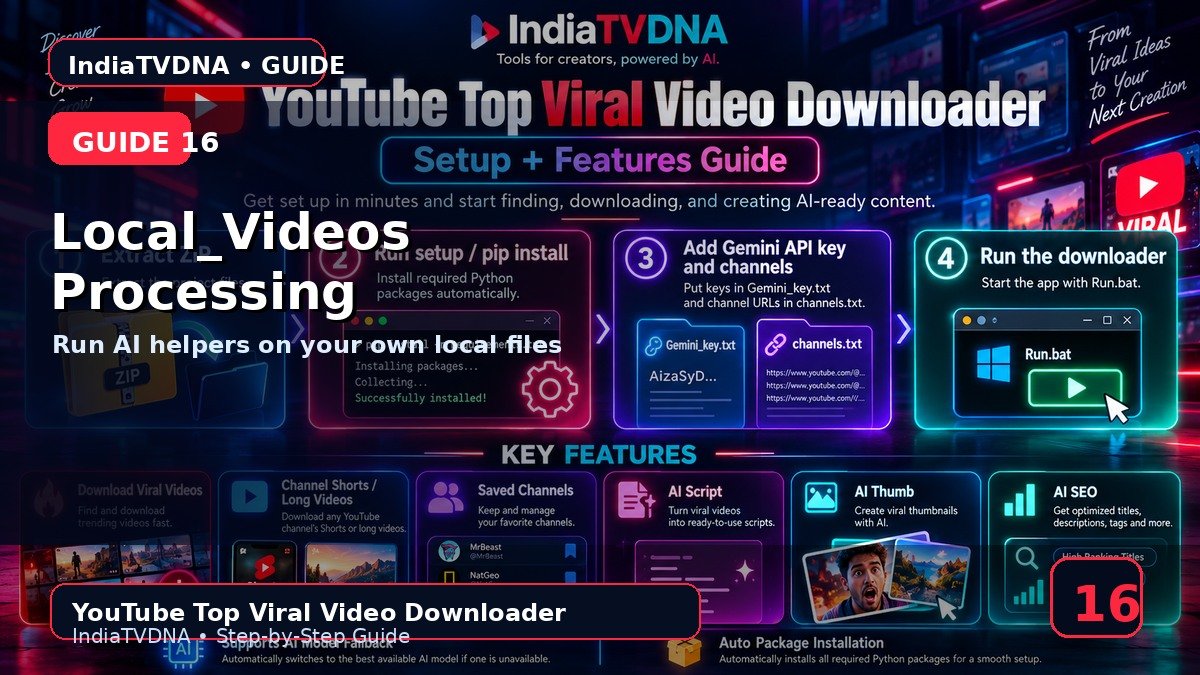
Local_Videos Folder Processing — अपने Files पर AI Workflow
अपने local files पर workflow चलाएँ
इस guide में क्या सीखेंगे?
- इस feature/option का actual काम
- Step-by-step practical use
- Common mistakes और troubleshooting
- Safe creator workflow और best practices
1Local source
Internet link की जगह customer-owned local files के लिए Local_Videos folder processing button दिया गया है.
2Use case
अपने recorded/download-rights वाले videos पर transcription/script/thumbnail prompt/SEO helper workflow चलाने में उपयोगी.
3Completed folder
Processed local files को Completed subfolder में move/organize करने का workflow रखा गया है.
4AI options
Selected AI Script/Thumb/SEO settings local processing पर भी apply हो सकती हैं जहाँ required inputs उपलब्ध हों.
5Best practice
Original master files का backup अलग रखें और Local_Videos में copies पर workflow test करें.
Recommended Workflow
- पहली run में 1–2 authorized videos और AI options OFF से basic download test करें.
- Saved Channels/filters को छोटे scan count से verify करके बाद में scale करें.
- AI output को publish करने से पहले manually review करें.
- सिर्फ वही video/content download या reuse करें जिस पर आपका अधिकार या permission हो.
INDIATVDNA ORIGINAL
YouTube Top Viral Video Downloader Plans
30 Days / 1 PC, 1 Year / 1 PC और Lifetime / 1 PC plans देखें.
Leave a Reply