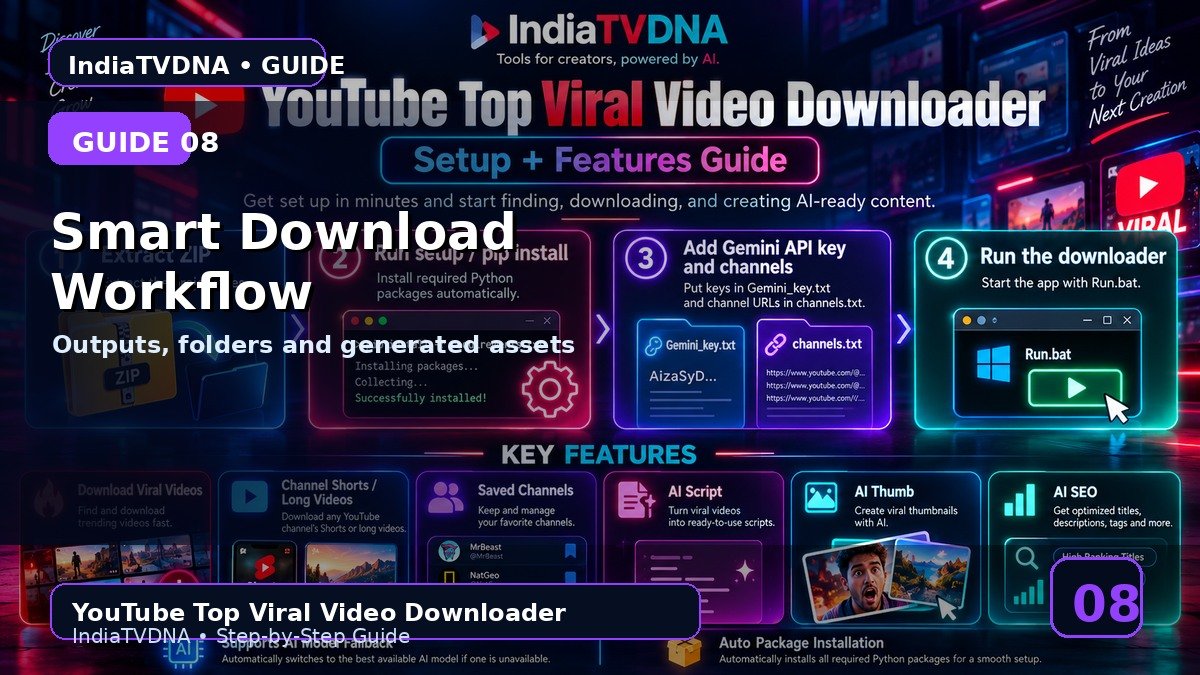
YOUTUBE TOP VIRAL VIDEO DOWNLOADER GUIDE
Smart Download Workflow, Output Folder और Files Explained
Download के बाद files कहाँ मिलेंगी
इस guide में क्या सीखेंगे?
- इस feature/option का actual काम
- Step-by-step practical use
- Common mistakes और troubleshooting
- Safe creator workflow और best practices
1Output folder
Default Downloaded_Videos folder होता है; Browse button से custom folder select किया जा सकता है.
2Selected list
Fetch के बाद global final candidate list बनती है; Download वही final selected videos process करता है.
3Optional assets
AI Script/Thumb/SEO options enabled हों तो video के साथ related text assets/thumbnail prompt/metadata file भी बन सकती है.
4Fresh retry logic
Downloader fresh URL extraction और alternate format/HLS style fallback methods try कर सकता है; protected cases में customer cookies.txt optional fallback हो सकता है.
5After completion
Completed files को topic/channel के हिसाब से organize करें और research/reference use के लिए clear naming रखें.
Recommended Workflow
- पहली run में 1–2 authorized videos और AI options OFF से basic download test करें.
- Saved Channels/filters को छोटे scan count से verify करके बाद में scale करें.
- AI output को publish करने से पहले manually review करें.
- सिर्फ वही video/content download या reuse करें जिस पर आपका अधिकार या permission हो.
INDIATVDNA ORIGINAL
YouTube Top Viral Video Downloader Plans
30 Days / 1 PC, 1 Year / 1 PC और Lifetime / 1 PC plans देखें.
Leave a Reply