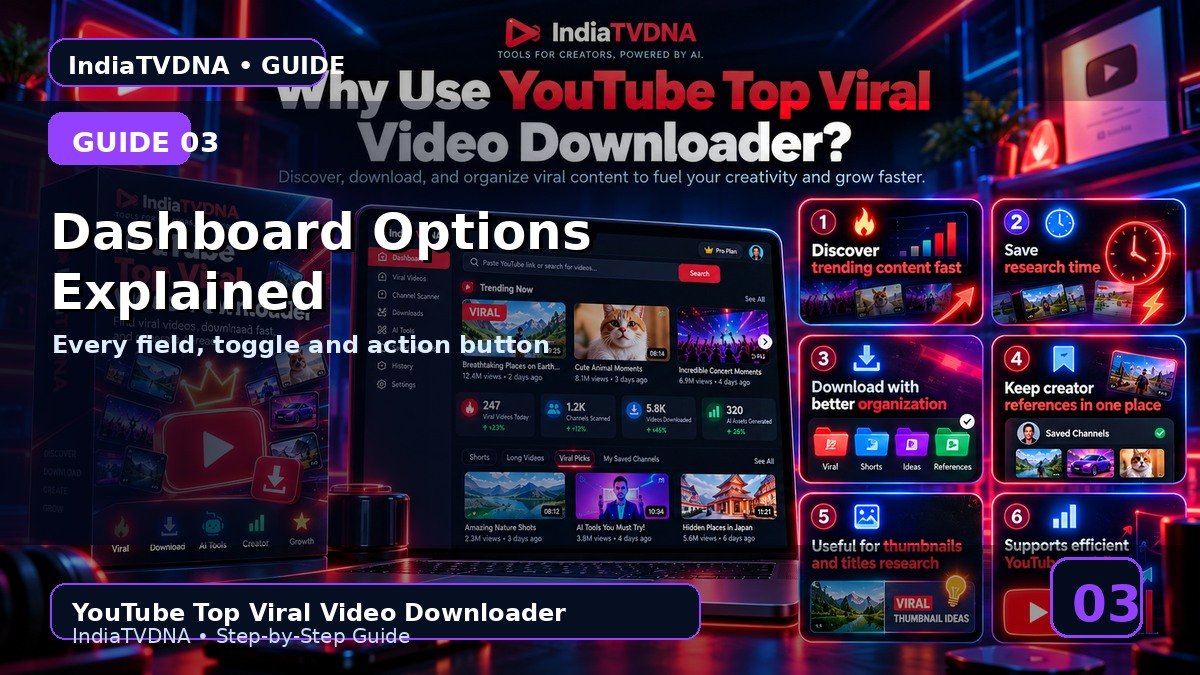
Main Dashboard के सभी Options क्या करते हैं? Full Guide
हर field और button का actual काम
इस guide में क्या सीखेंगे?
- इस feature/option का actual काम
- Step-by-step practical use
- Common mistakes और troubleshooting
- Safe creator workflow और best practices
1Link box
यहाँ single video या channel URL paste किया जाता है. Channel URL पर चुना गया Shorts/Long mode base URL को सही tab में बदलता है.
2Source mode
Direct Link Se current pasted URL use करता है. Saved Channels Se channels.txt में saved channel URLs से scan करता है.
3Video type
Single Video, Channel Shorts और Channel Videos तीन अलग scan/download modes हैं.
4Counts और date
कितने Videos चाहिए final target है; कितने Recent चेक करें scan depth है; date field DD-MM-YYYY format में old videos filter कर सकती है.
5Action buttons
Fetch Qualities candidate list + qualities तैयार करता है; Download selected workflow चलाता है; Export List deep research report बनाता है.
6Logs
Status label, progress bar और terminal log box current scan/download/AI activity दिखाते हैं.
Recommended Workflow
- पहली run में 1–2 authorized videos और AI options OFF से basic download test करें.
- Saved Channels/filters को छोटे scan count से verify करके बाद में scale करें.
- AI output को publish करने से पहले manually review करें.
- सिर्फ वही video/content download या reuse करें जिस पर आपका अधिकार या permission हो.
YouTube Top Viral Video Downloader Plans
30 Days / 1 PC, 1 Year / 1 PC और Lifetime / 1 PC plans देखें.
Leave a Reply