PDF Studio Pro: PDF Reader, Editor & Scanner for Android
PDF फाइल खोलना, दस्तावेज़ स्कैन करना, फोटो से PDF बनाना और जरूरी फाइलें सुरक्षित रखना सीखें।
What is PDF Studio Pro?
PDF Studio Pro by AajTakDNA is an Android PDF utility app designed for everyday document tasks. Whether you need to open a PDF attachment, scan a printed document, turn photos into a PDF or prepare files for sharing, the app brings supported PDF tools together in one place. This guide covers useful features, practical examples, step-by-step instructions and document-quality tips for students, office workers and anyone managing PDFs on a phone. Available editing functions can differ by file type and app release, so consult the installed version for the exact tools you can use.
PDF Studio Pro एक Android PDF Reader, Scanner और Editor टूल ऐप है। छात्र अपनी असाइनमेंट की फोटो को PDF में बदल सकते हैं, ऑफिस उपयोगकर्ता दस्तावेज़ स्कैन कर सकते हैं और सामान्य उपयोगकर्ता PDF फाइलें खोलकर उनका प्रबंधन कर सकते हैं। नीचे PDF बनाने, स्कैन करने और शेयर करने का आसान तरीका दिया गया है।
Key features of PDF Studio Pro
Explore the main tools and ways to get the most from your app. The exact interface and availability of tools may change as new versions are released.
📖 Read PDF files
Open supported PDF documents from your phone and inspect pages before you send or save them.
📷 Scan paper documents
Capture pages with a phone camera, review alignment and create digital copies where the feature is available.
🖼️ Convert photos to PDF
Turn supported phone images into PDF documents for assignments, receipts or personal records.
✏️ PDF editing tools
Explore editing functions supported by the installed app and the selected document’s structure.
🗂️ Document organization
Keep track of files and choose suitable names before saving or sharing documents.
📤 Save and share PDFs
Use compatible Android save and sharing workflows to send a completed document.
Everyday uses and practical examples
Students and assignments
Create a PDF from homework pages, handwritten notes or images, then check page order and readability before submitting.
Office and business
Prepare scans of forms, receipts and meeting papers. Review sensitive content and share only through trusted destinations.
Personal document archive
Make digital copies of paperwork for reference. Store backups in a secure location if the original document matters.
Applications and online forms
Turn the right set of photos into a single file when a portal requires PDF upload, while respecting the portal’s file-size rules.
How to use PDF Studio Pro on Android
- Open or scan a documentChoose an existing PDF from storage or capture a paper page with the available scanner.
- Check the page and image qualityKeep the document flat, use good lighting and review that every line of text is readable.
- Arrange and edit supported contentUse the PDF options that are available for your file and check page order, orientation and final appearance.
- Save with a clear file nameUse a practical name such as ‘assignment-november.pdf’ so you can find the file later.
- Open the finished PDF and sharePreview the saved document to catch missing or blurry pages, then share with the intended recipient.
How to scan documents clearly on Android
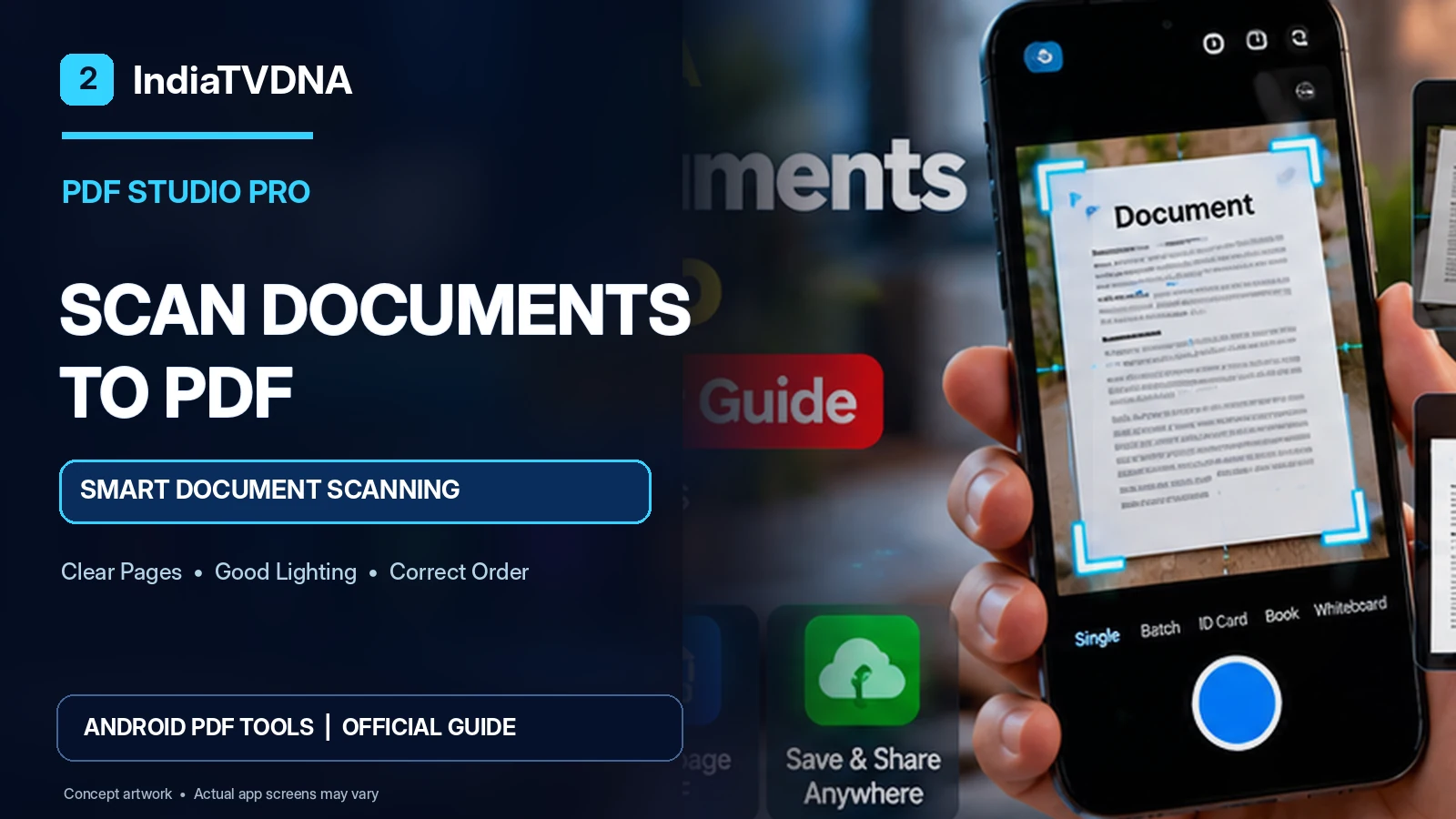
Place the paper on a contrasting flat surface with bright, even lighting. Hold the camera parallel to the page to reduce distortion. Avoid shadows and ensure that small text is sharp before capturing the next page. After scanning, inspect every corner and page boundary. A readable scan is often more useful than an unnecessarily large file.
How to create a PDF from photos
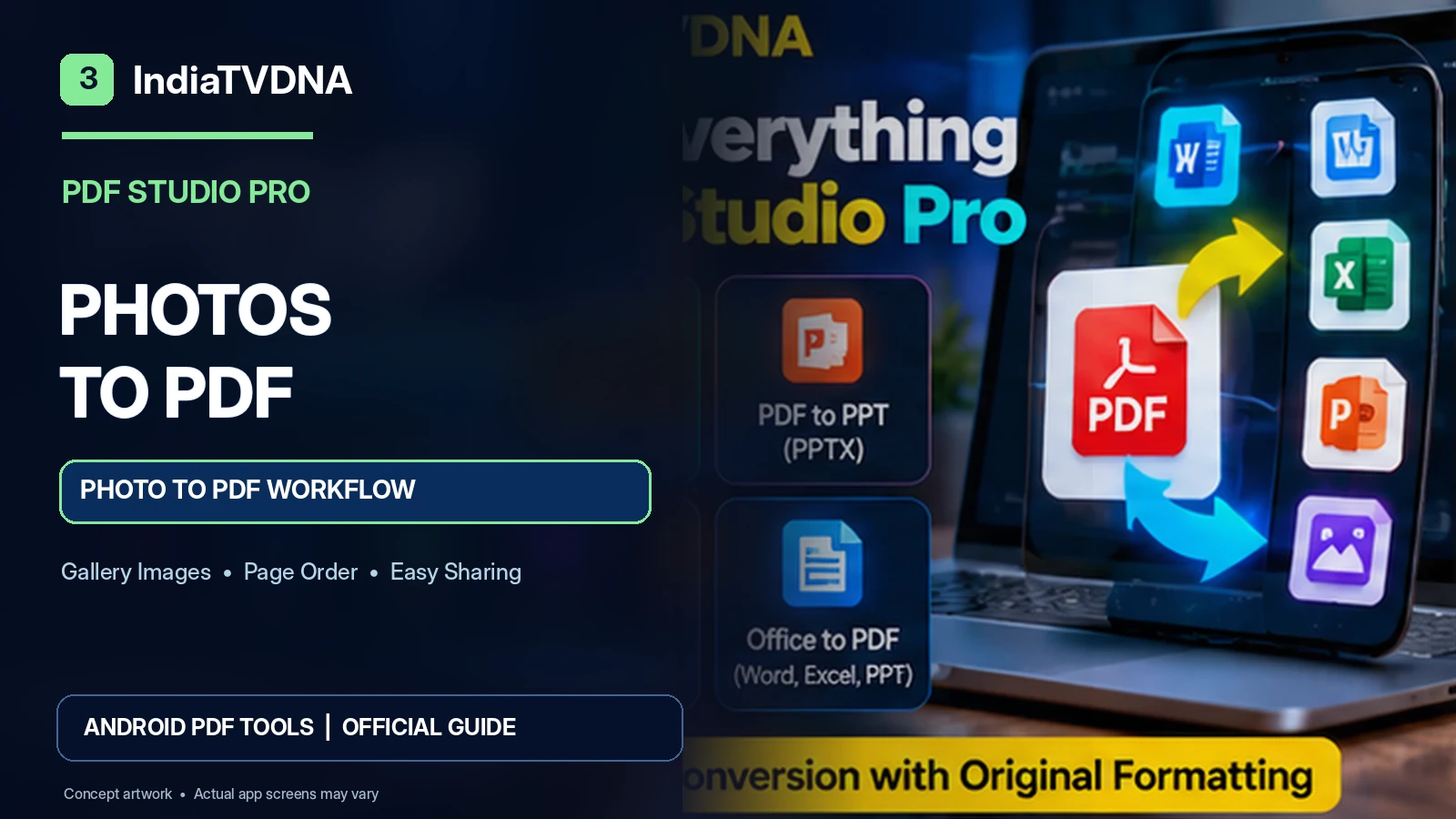
Collect the relevant photos in the correct order before converting them. Check that no image is rotated or cropped incorrectly. Export the PDF using the options supported by the app and open the finished result once more. If a website rejects your upload, check its allowed file size and format instead of assuming the document is damaged.
Tips for editing and sharing PDF documents
PDF files are not always editable in the same way as word-processing documents. Some contain selectable text while others are scanned images. Available editing options depend on the document and the installed software. Keep an untouched copy of important forms, review sensitive details before sharing and use a strong passcode on your phone.
Images and example workflows
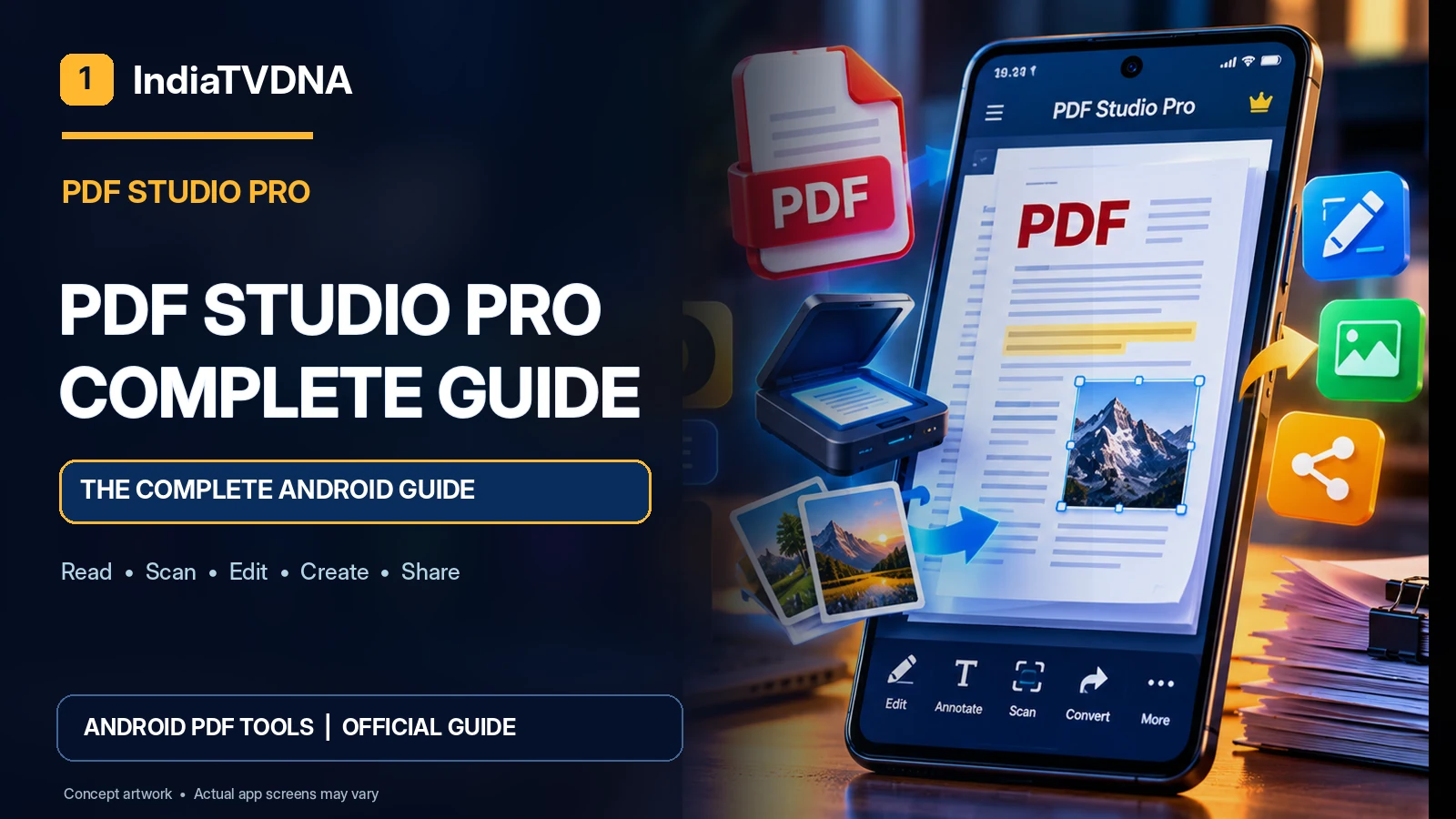
The following are promotional or illustrative images to introduce the topic; they are not presented as screenshots of the current app. Visit the Google Play listing for official screenshots.
Frequently asked questions about PDF Studio Pro
What does PDF Studio Pro do?
It is an Android PDF utility app for opening and working with supported PDF files, scanning documents and creating PDFs from images.
Can I convert homework photos into PDF?
The app includes a photo-to-PDF workflow for supported images; review page order and quality before submission.
Can I edit every PDF document?
No. Editing support depends on the selected file, whether it contains text or scanned images, and the installed app version.
Is the app helpful for students?
Students can use the available PDF and image-document tools for assignments, revision material and form preparation.
Can I use my phone camera as a scanner?
A scanner workflow is included in the app project. Good lighting and stable capture improve the results.
Where should I download PDF Studio Pro?
Use the Google Play link on this page to view the official listing and the current installation options.
Get PDF Studio Pro on Google Play
Open the official listing to review the latest release, installation availability, actual screenshots, user information and compatible Android devices.