
PDF Studio Pro
All PDF Tools
Create, edit, scan and manage PDF documents directly from your Android phone.
An all-in-one toolkit for students, professionals, businesses and everyday document tasks.
Currently in Google Play closed testing. Public downloads will be available after production approval.
Everything You Need for Everyday PDFs
Convenient tools to open, edit, scan, create and manage PDF documents in one Android app.
PDF Reader
Open PDF files, read documents and move between pages with easy viewing controls.
PDF Editor
Use PDF editing tools to work with document content and save your changes.
Smart Document Scanner
Scan paperwork using your Android phone and save captured pages as PDF documents.
Photo to PDF
Convert photos and images into PDF files for convenient storage and sharing.
Document Creation
Create PDF documents using the available text and document tools.
Save & Share
Save finished PDF documents and share them through compatible Android apps.
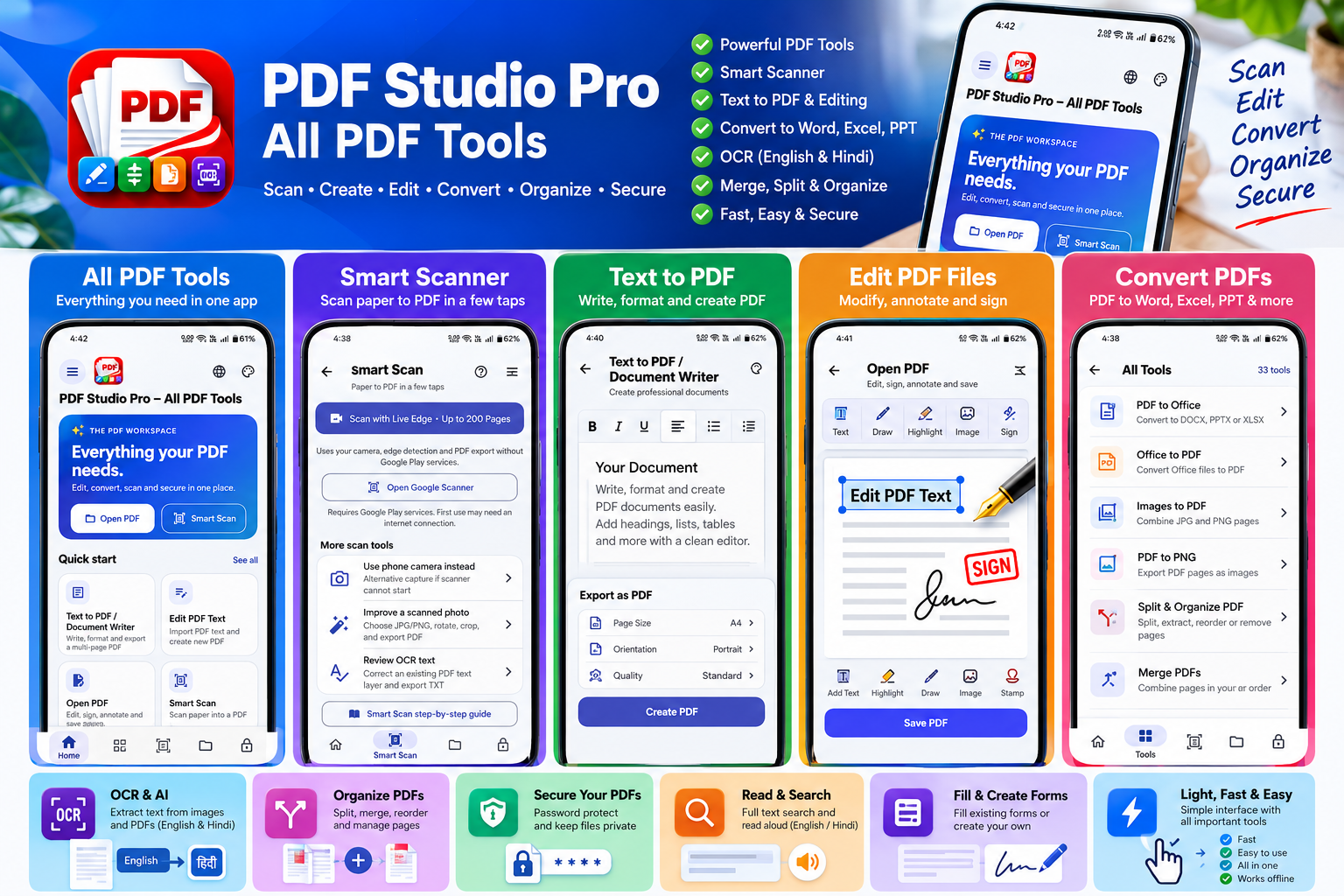
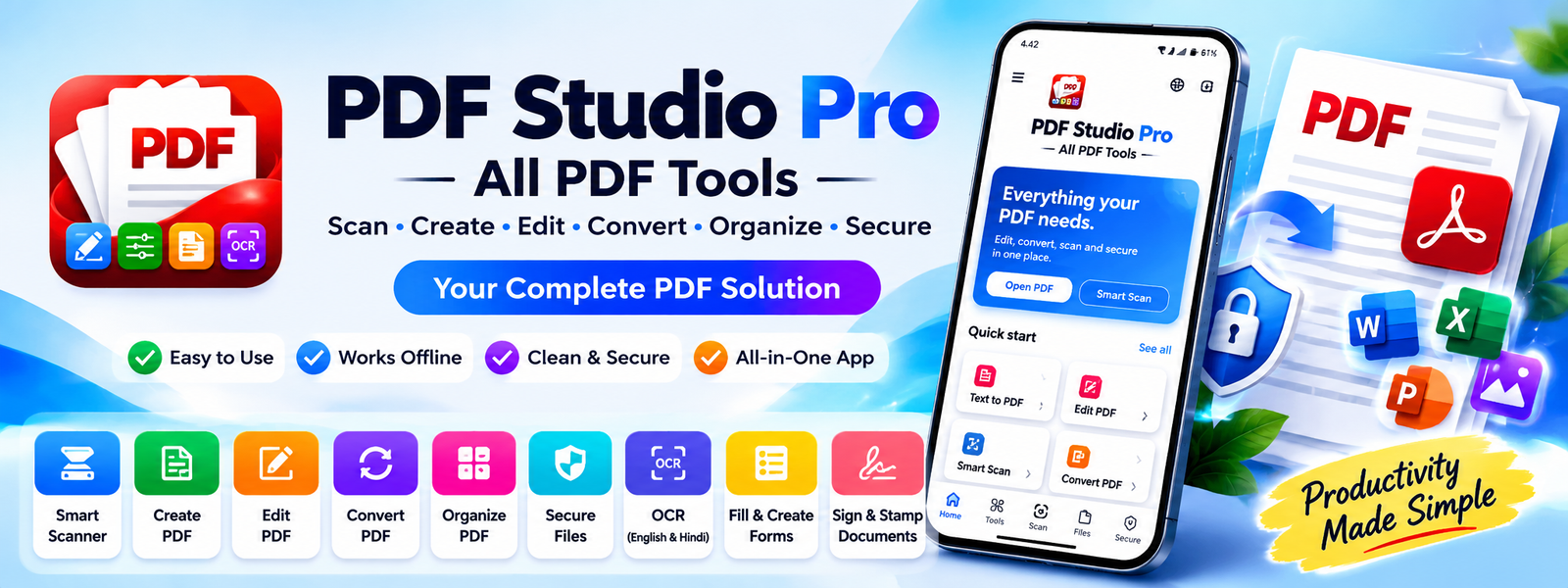
Discover PDF Studio Pro
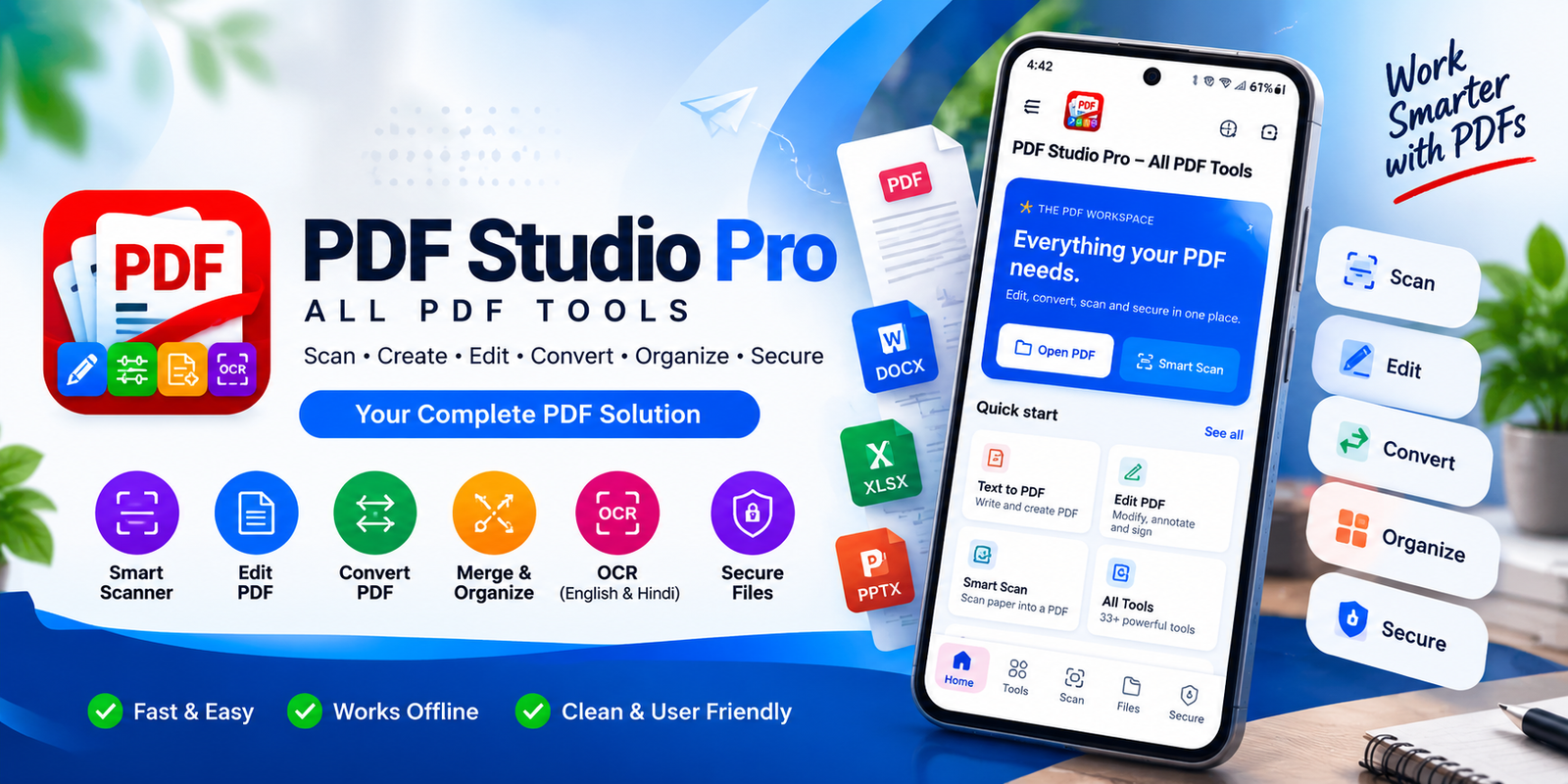
Explore app feature previews and promotional artwork.
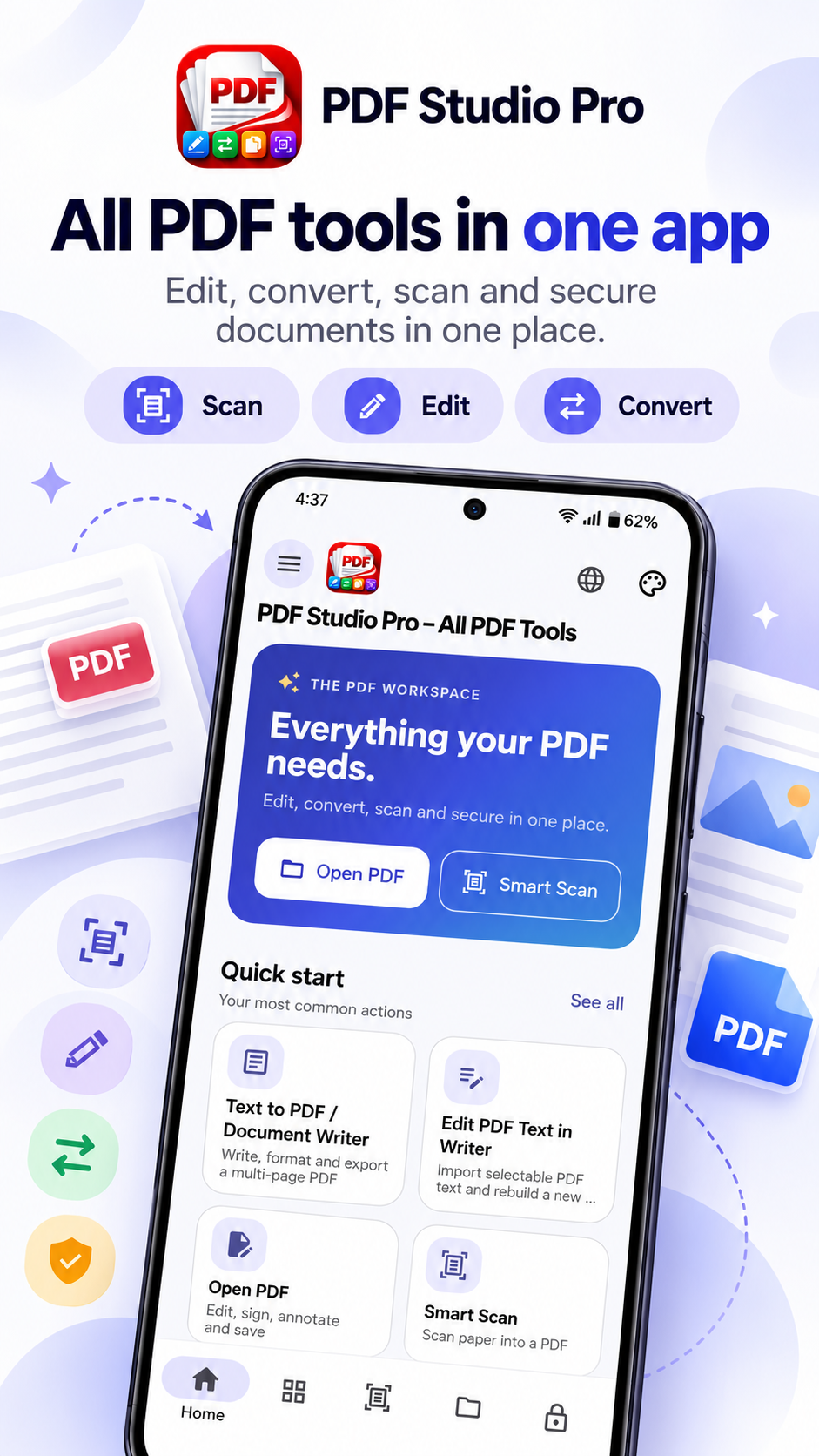
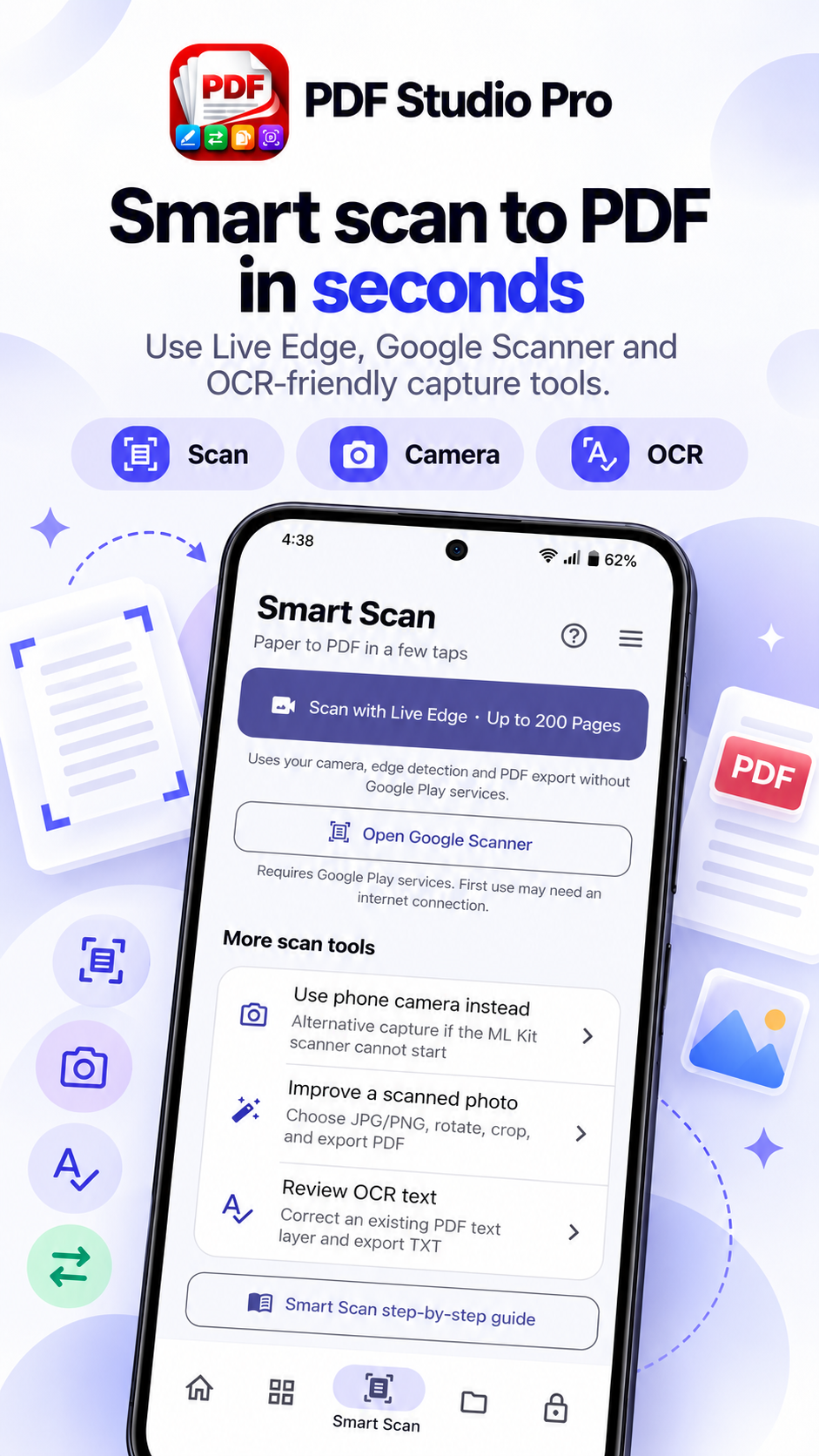
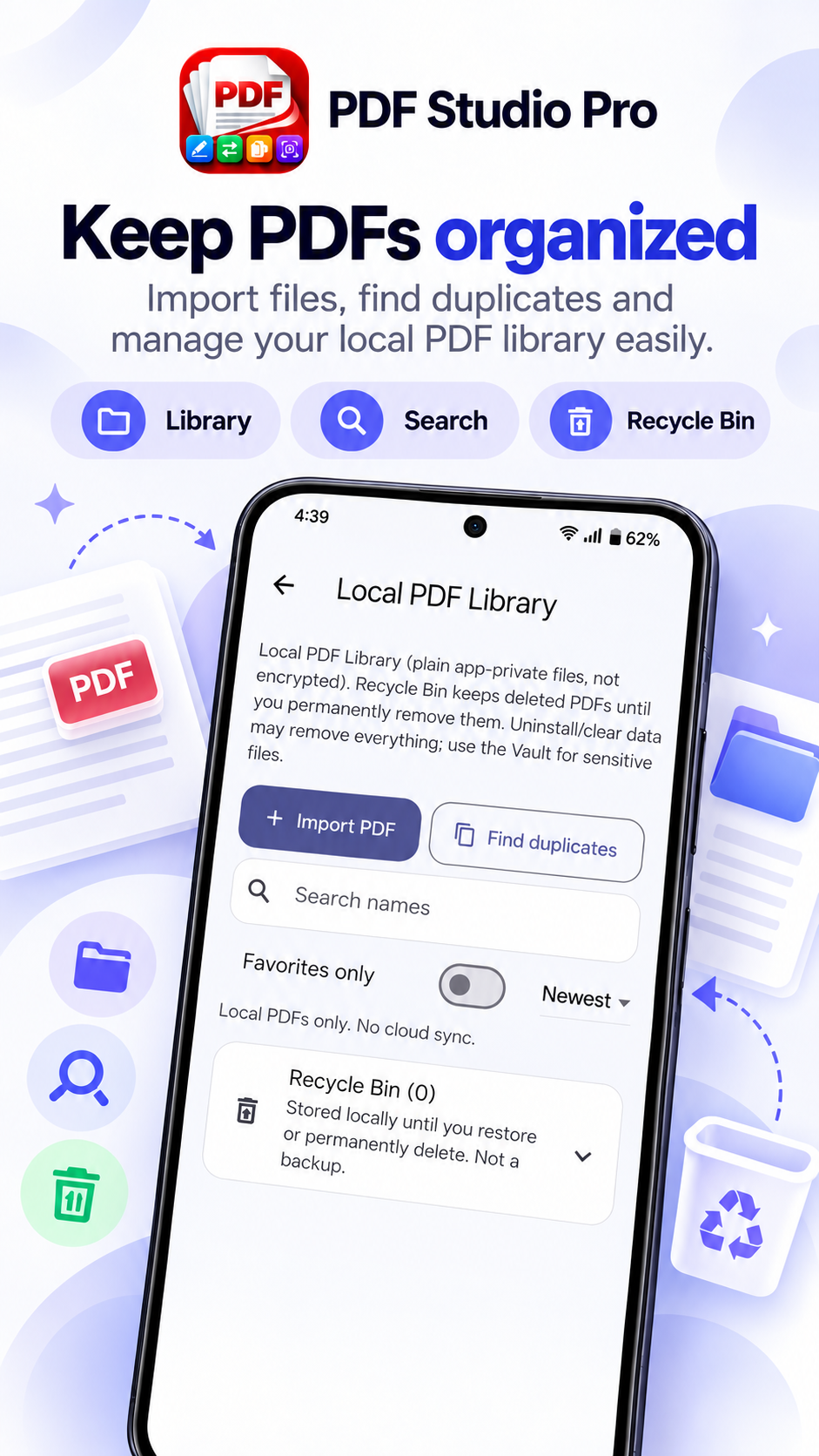
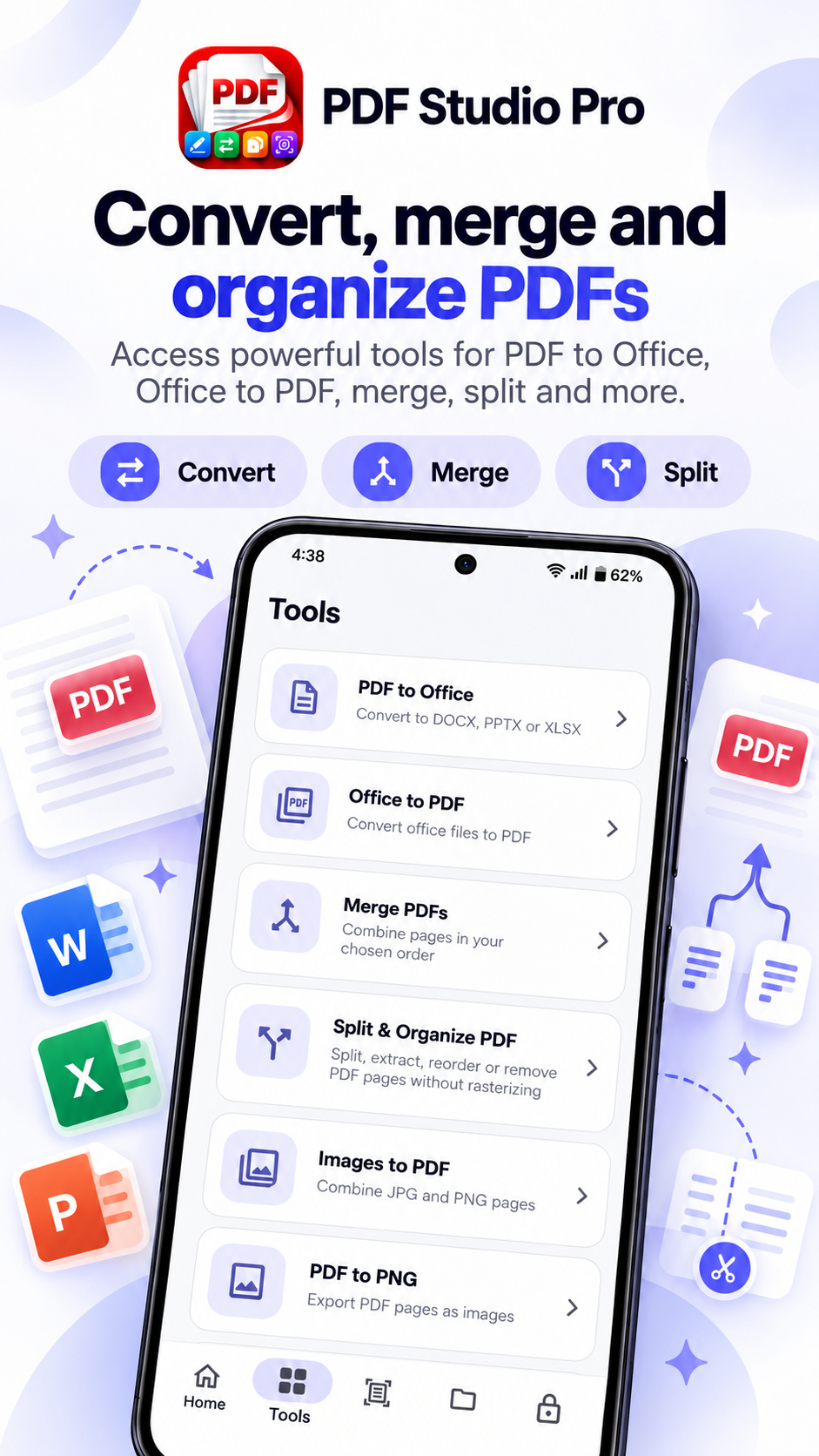
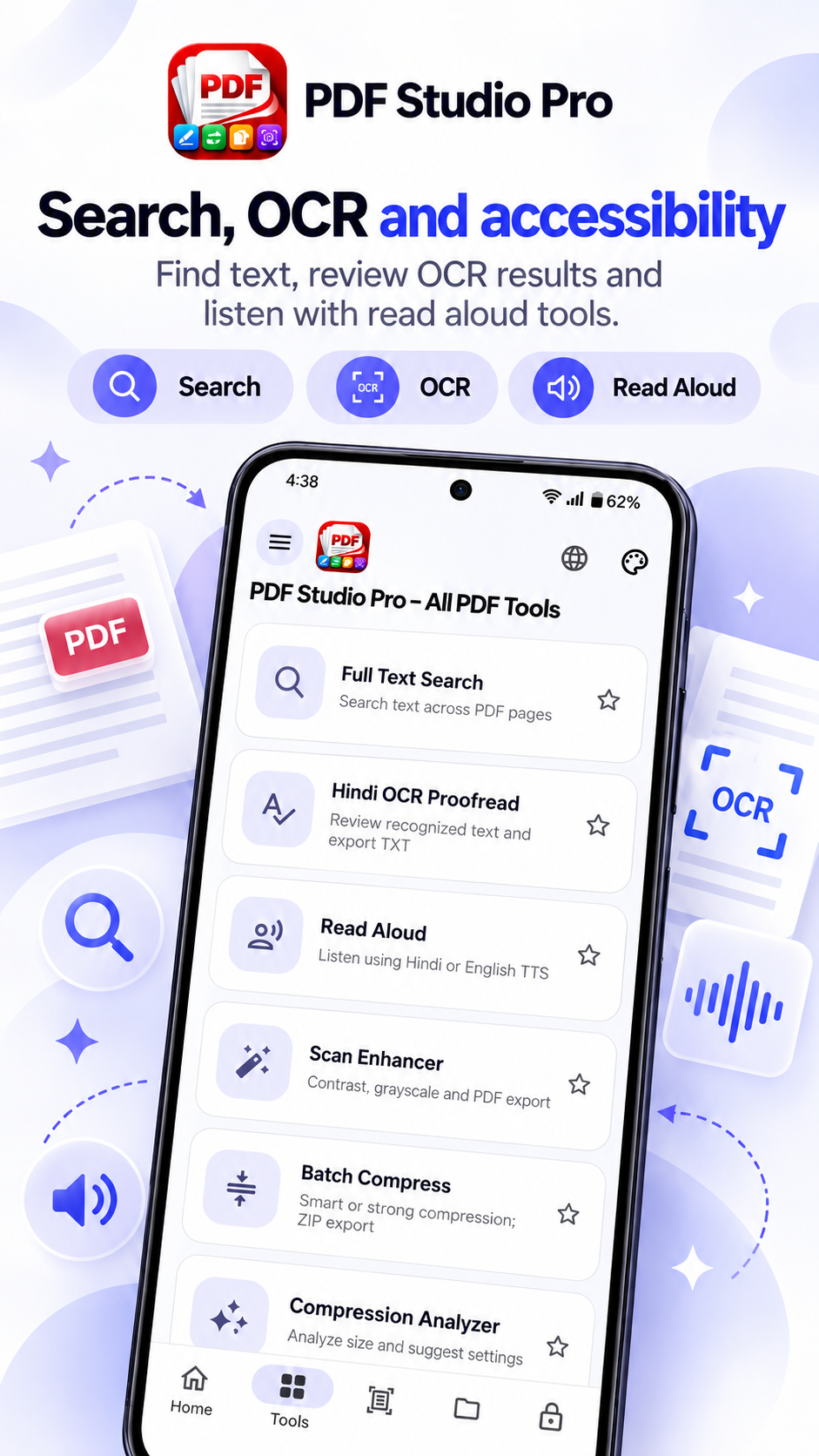
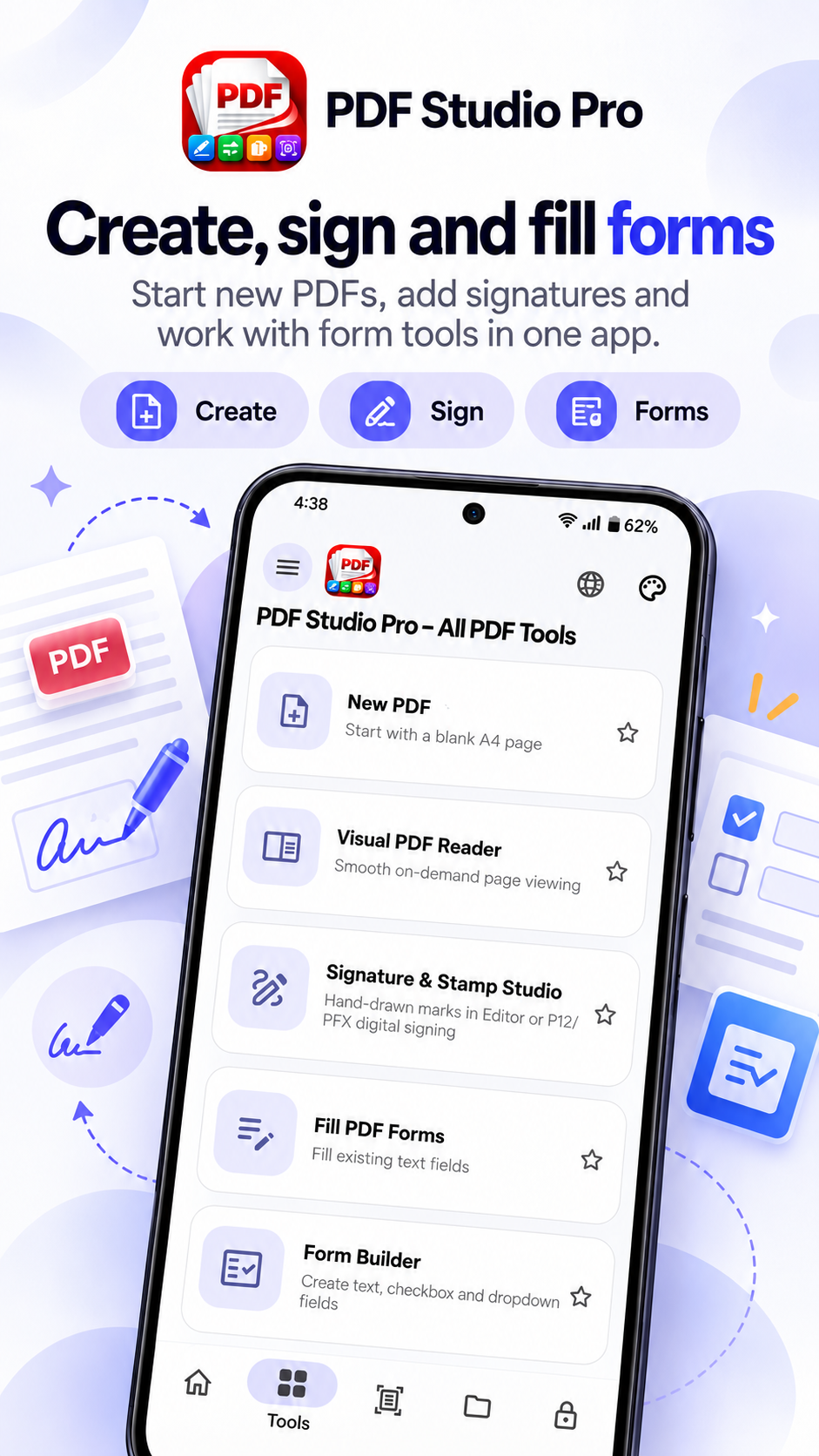
Swipe or scroll to see more • Promotional previews; actual app screens may vary.
How PDF Studio Pro Works
Simple steps for everyday PDF tasks.
Open or Scan
Choose an existing PDF or capture documents using your phone camera.
Work on Your PDF
Use supported PDF editing and document tools to make the changes you need.
Save & Share
Export your finished document and save or share it from your Android device.
Made for Everyday Document Tasks
Practical PDF tools for studying, office work, personal files and paperwork.
Frequently Asked Questions
Answers to common questions about PDF Studio Pro.
Where can I download PDF Studio Pro?
PDF Studio Pro is available through its Google Play listing for eligible testers during closed testing. Public availability will follow Google Play production approval.
Can I scan documents with my phone?
Yes. PDF Studio Pro includes document scanning tools that allow you to capture paper documents and create PDF files.
Can I edit PDF documents?
Yes. The app includes PDF editing features. Available editing operations can vary depending on the PDF and its content.
Can I convert photos to PDF?
Yes. You can create PDF documents using supported photos and images.
Does the app contain advertisements?
Yes. PDF Studio Pro includes advertisements. For more information, please review our Privacy Policy.
How can I report bugs or problems?
Send an email to indiatvdna@gmail.com with a description of the issue, your Android device model and app version.
Explore PDF Studio Pro
Access the official Google Play listing for PDF Studio Pro – All PDF Tools. Installation is currently limited to eligible closed testers.