Description
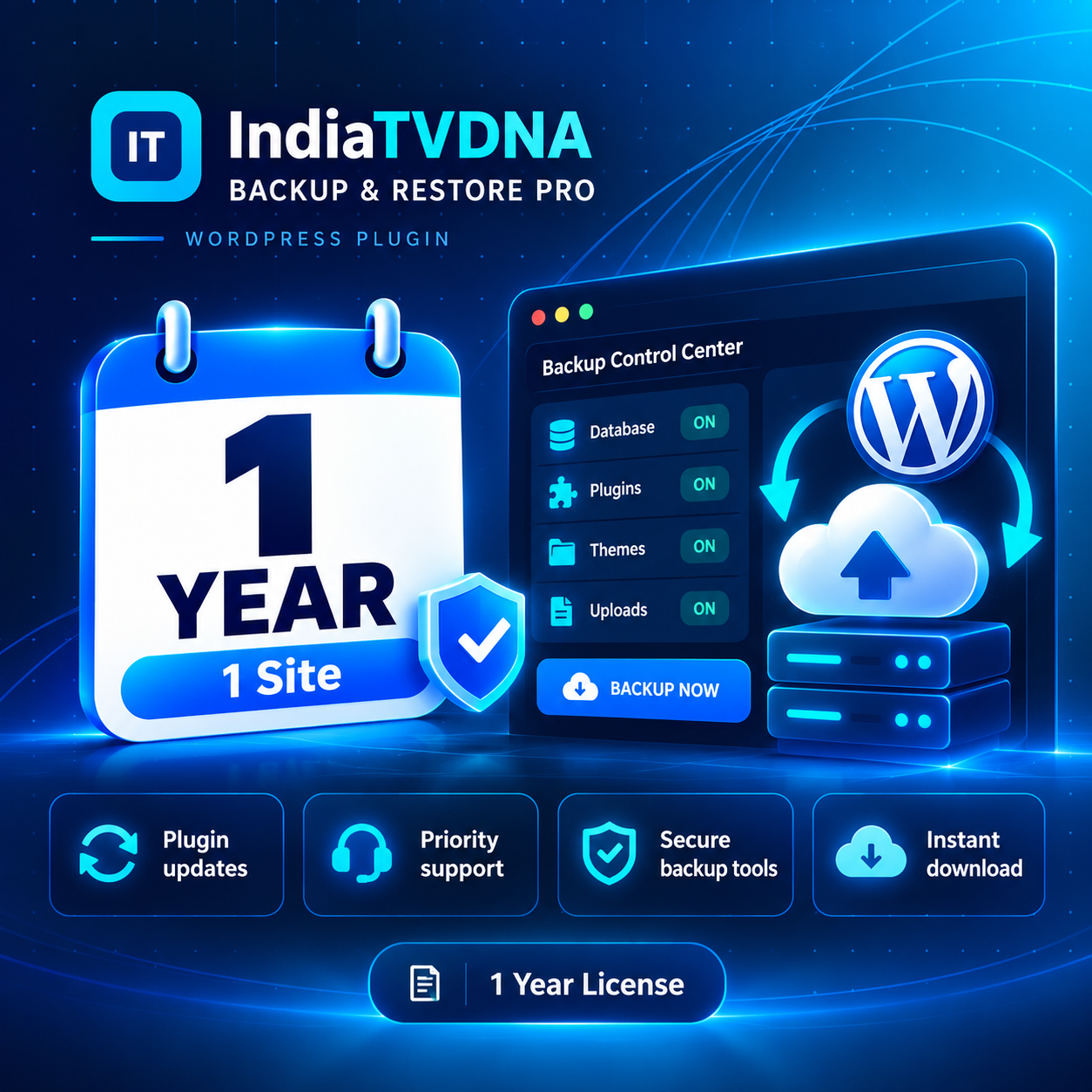
IndiaTVDNA Backup & Restore Pro – 1 Year / 1 Site
Version 1.0.7 · 1 Year · 1 Site license.
✨ Main Features
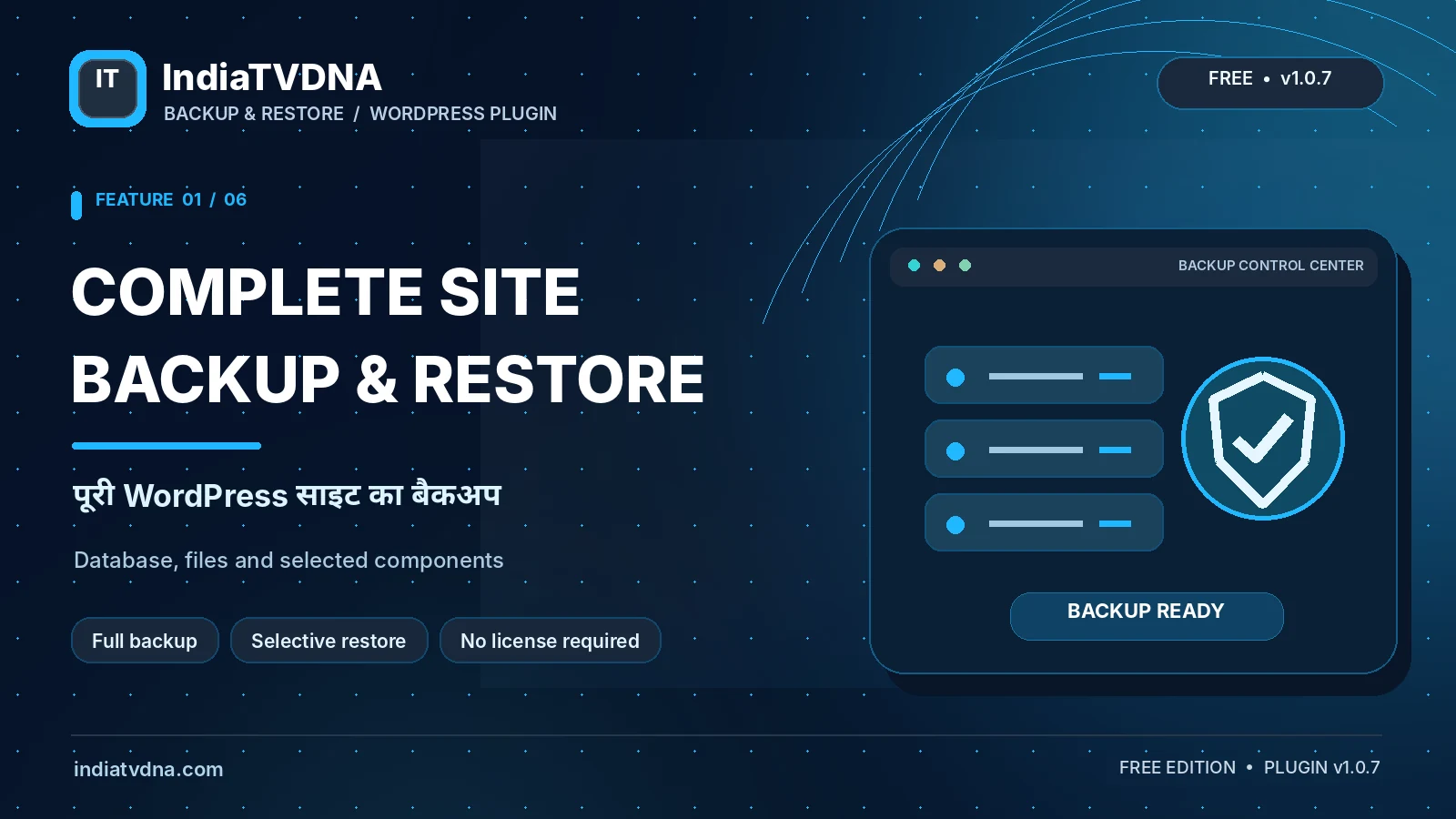
- Full WordPress Website Backup & Restore
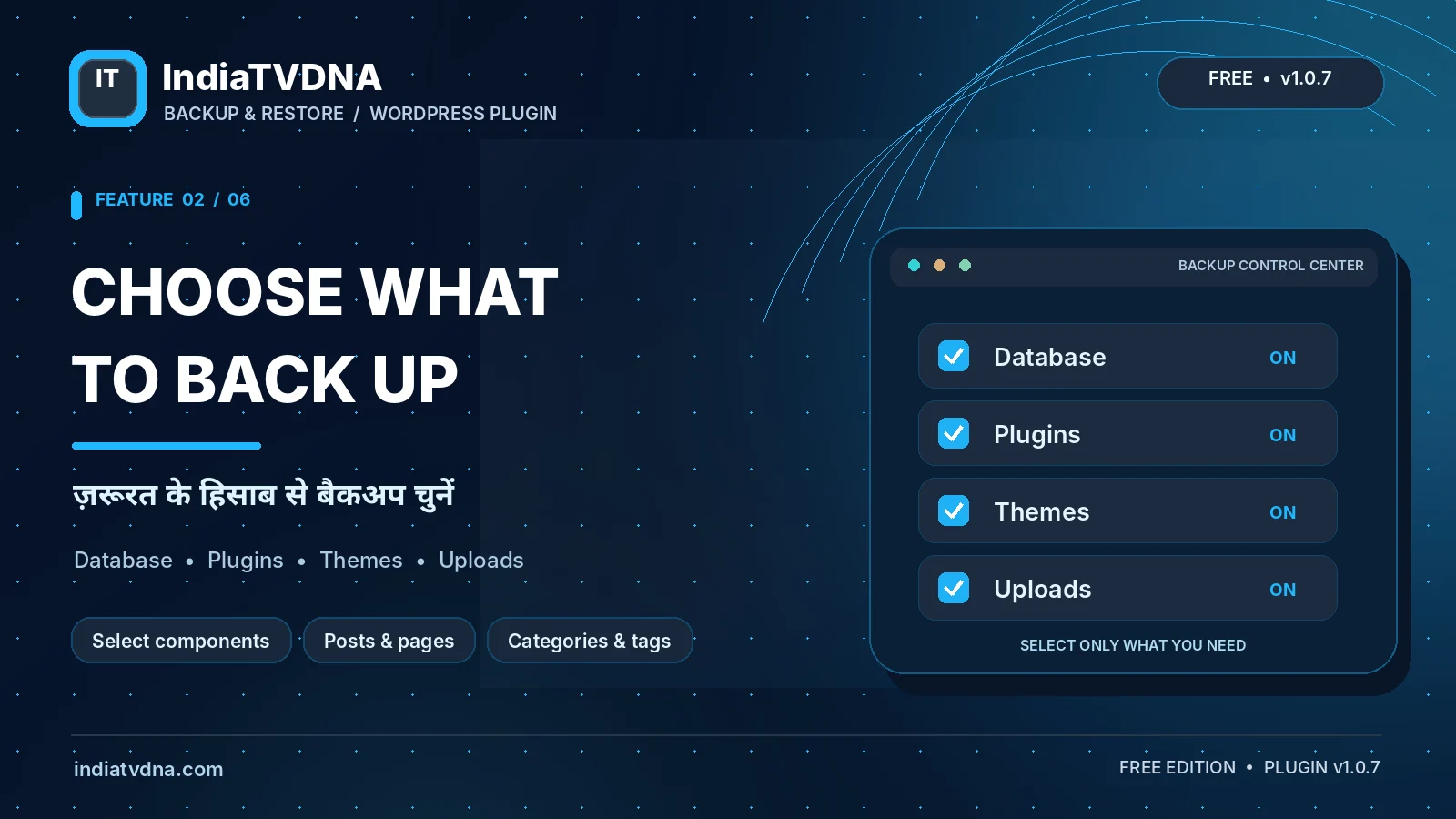
- Selective Backup of Database, Plugins, Themes and Uploads
- Individual Posts, Pages, Categories and Tags Backup
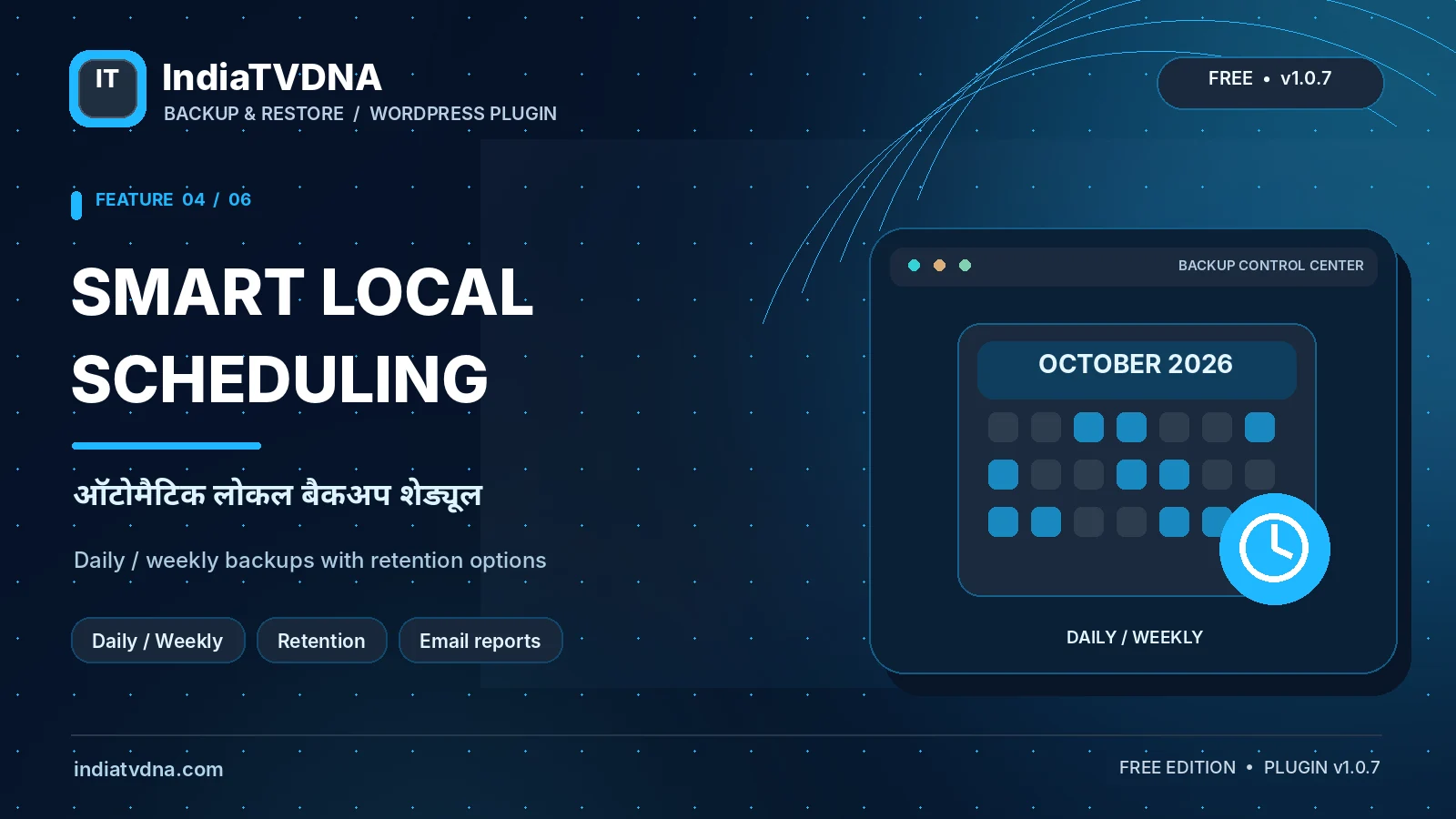
- Scheduled Daily and Weekly Local Backups
- Backup History and Secure ZIP Downloads
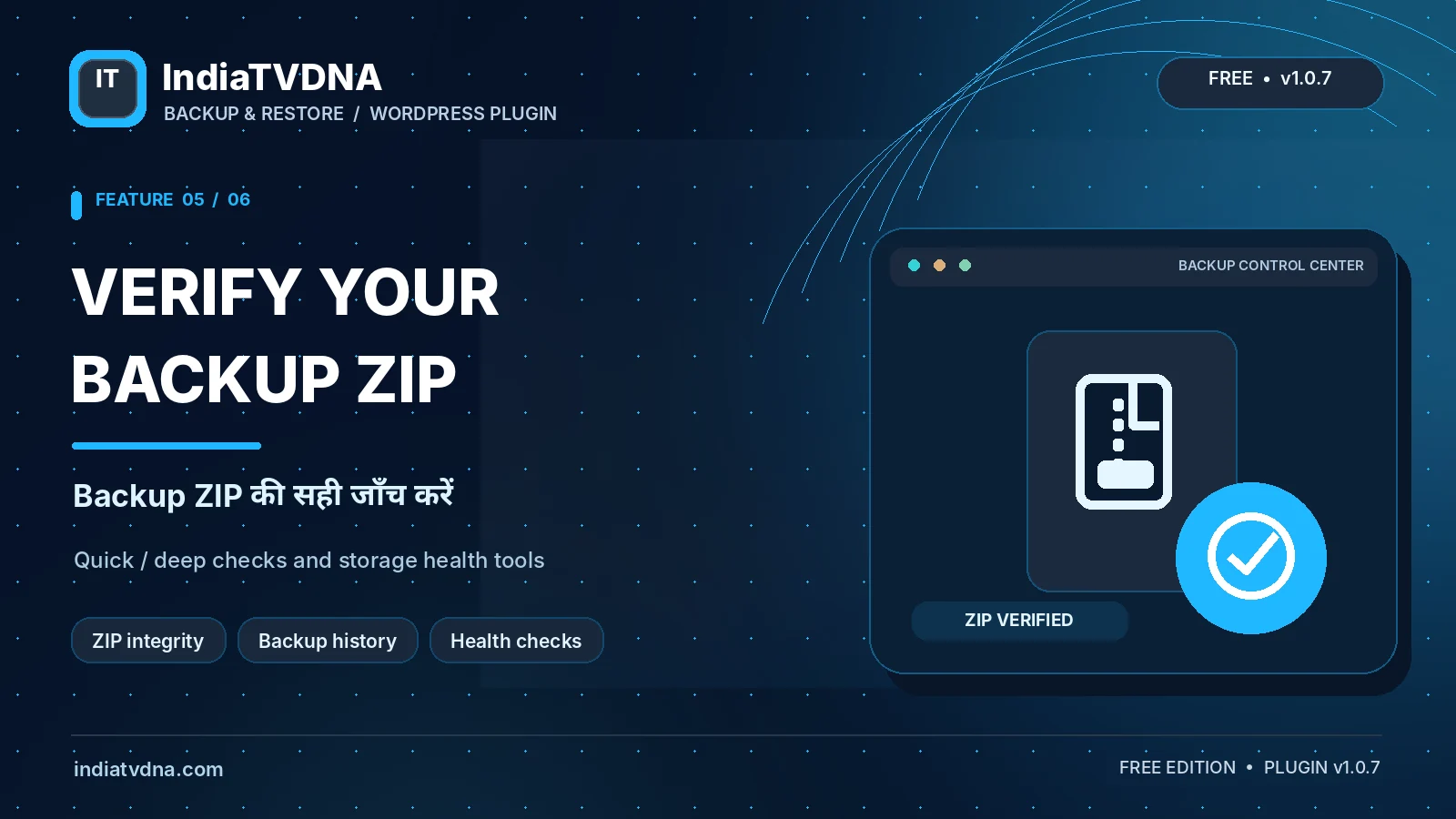
- Quick and Deep Backup ZIP Verification
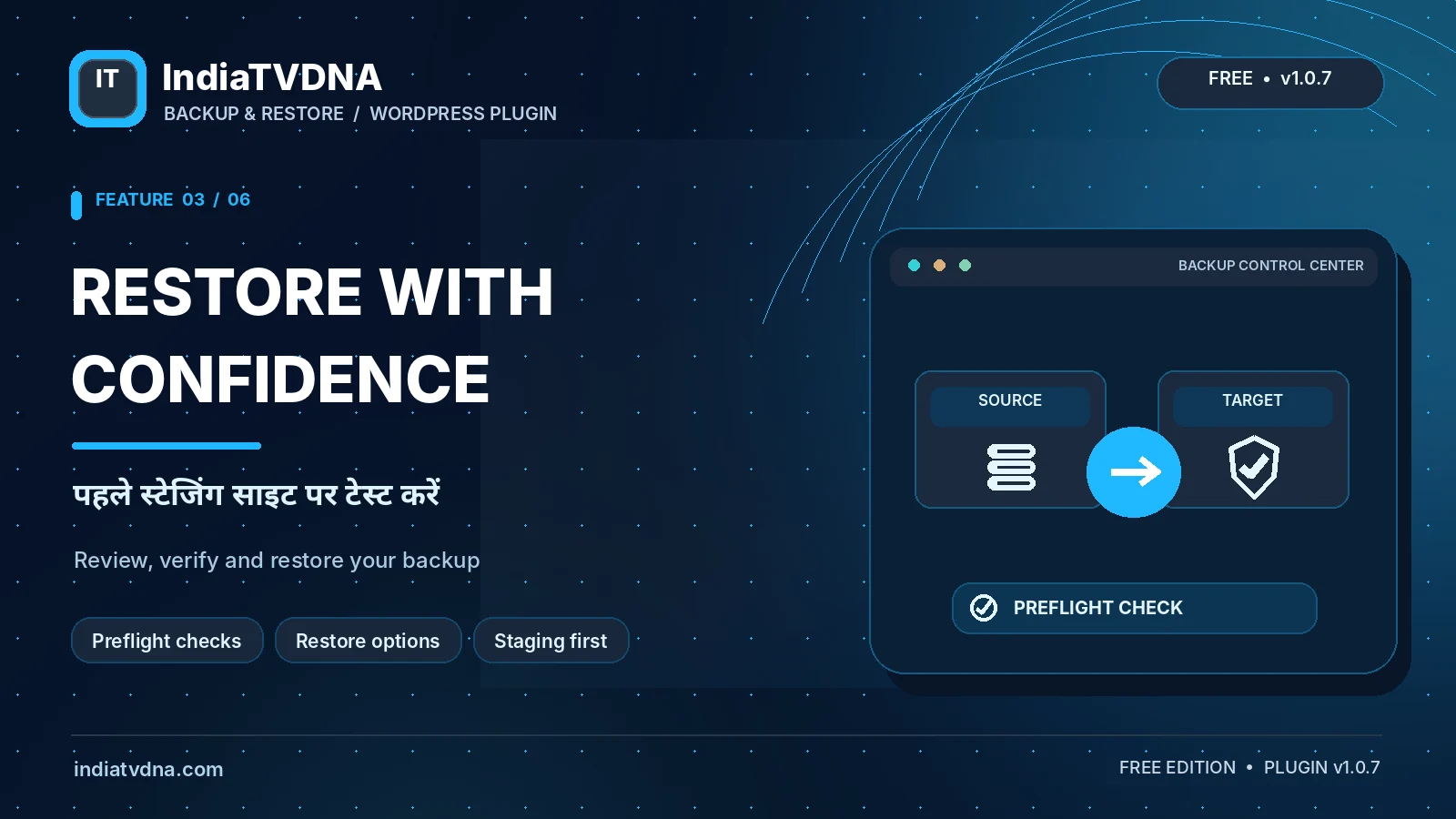
- Restore Preflight and Integrity Checks
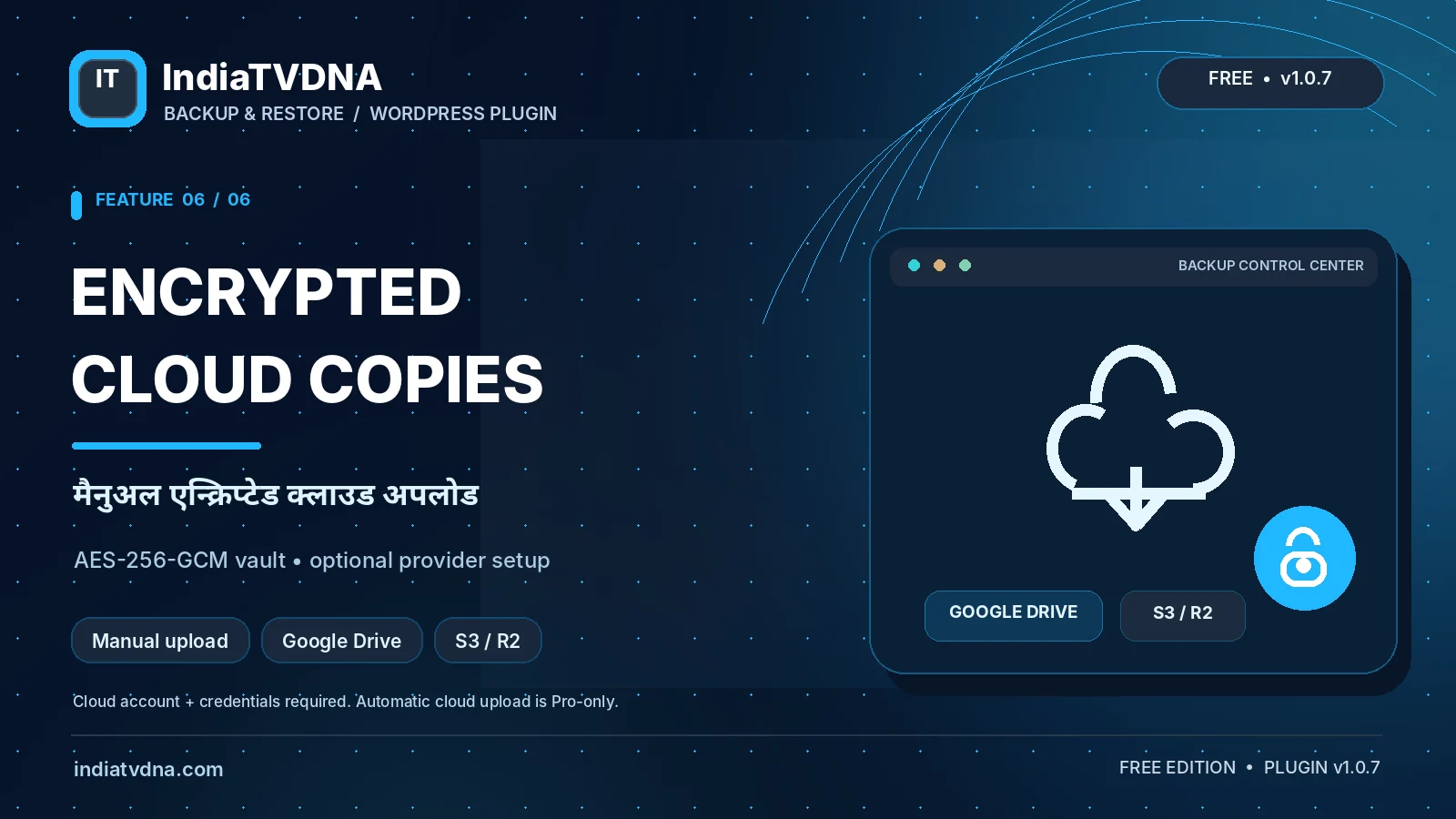
- Manual AES-256-GCM Backup Encryption
- Optional Manual Encrypted Google Drive Uploads
- Manual S3-Compatible Encrypted Vault Uploads
- Resumable and Low-Memory Backup Operations
- Storage Health and Backup Security Checks
- Read-Only Snapshot Comparison
- WP-CLI Backup and Archive Analysis Tools
- Backup Retention and Email Reports
🧩 WordPress Requirements
- WordPress 6.2 or newer
- PHP 7.4 or newer
- Compatible Web Hosting with File System Write Access
- PHP ZIP and OpenSSL Support for Relevant Features
- MySQL / MariaDB Database
- WP-Cron Recommended for Scheduled Backups
- HTTPS Recommended; Required for Secure OAuth Configuration
- Adequate Disk Space for Backup Storage
- Administrator Access to WordPress Dashboard
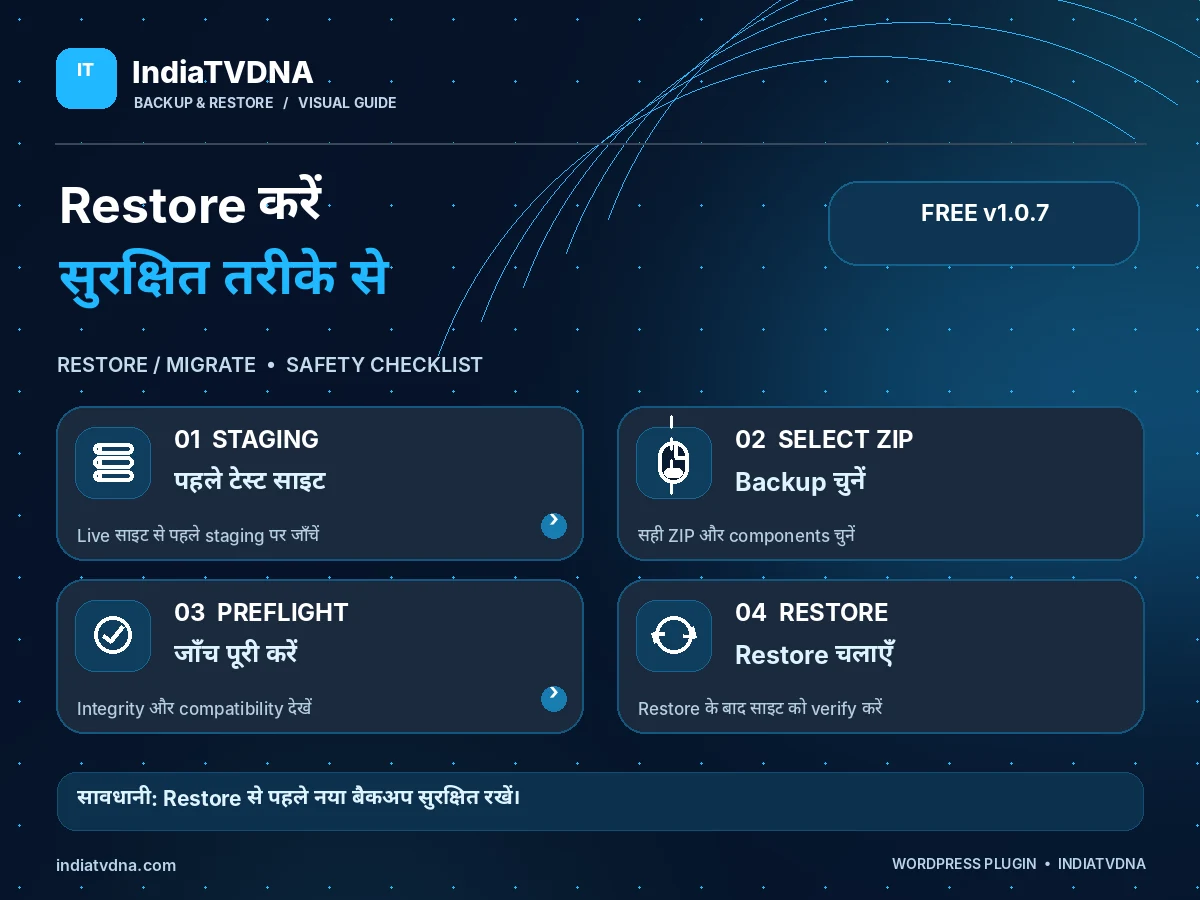
- Staging Website Recommended Before Restore
🚀 Installation / Usage
- Visit https://indiatvdna.com/ and select the required 30 Days, 1 Year or Lifetime plan.
- Complete your purchase and open My Account → Downloads.
- Download the customer-ready Pro plugin ZIP.
- Create a safety backup and test the installation on staging first.
- Open WordPress Dashboard → Plugins → Add New Plugin → Upload Plugin.
- Upload the plugin ZIP, click Install Now and activate it.
- If the delivered Pro edition requires a license key, open its License page and activate your purchase.
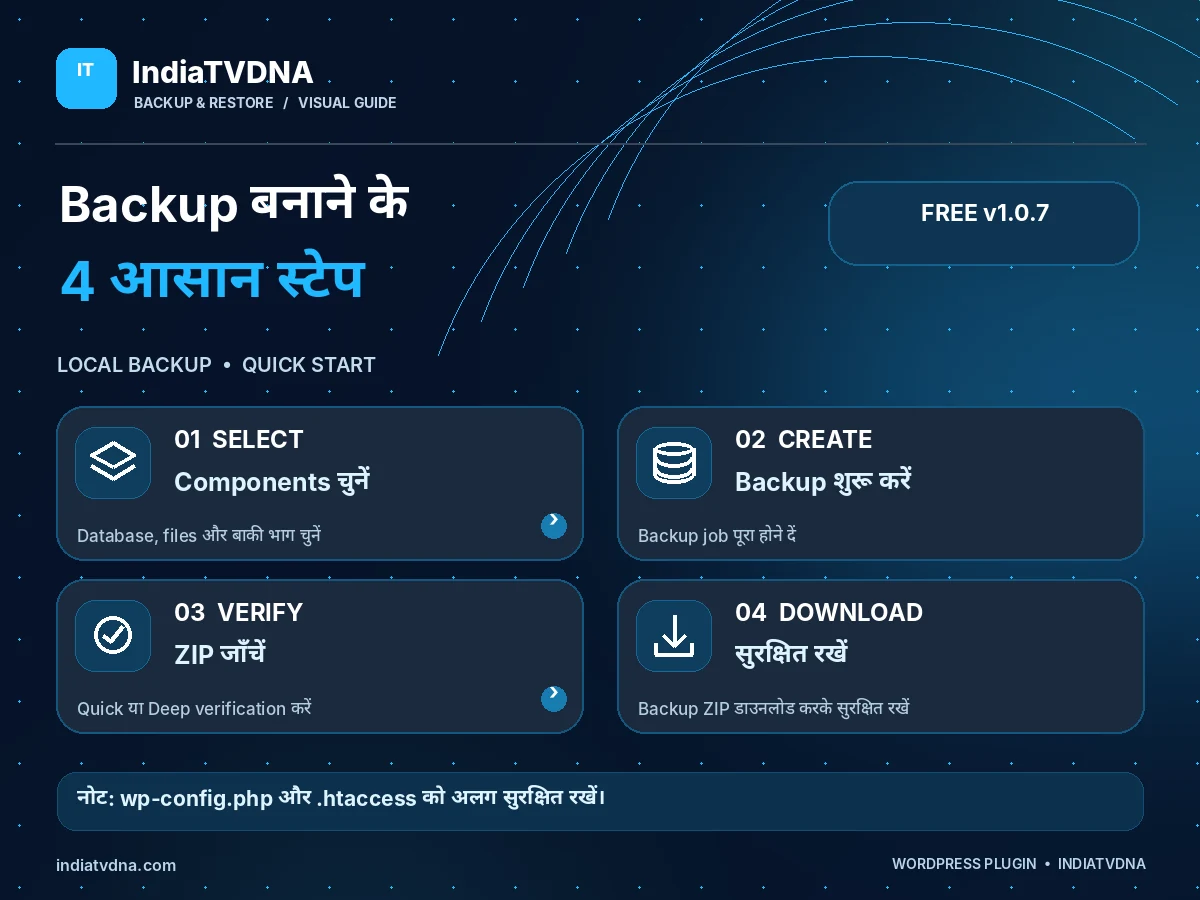
- Open Backup & Restore and create your first backup.
- Download and verify the backup ZIP.
- Test restoration on a staging site before restoring your live website.
📘 More Details
# WordPress Backup & Restore — Protect Your Website Data
IndiaTVDNA Backup & Restore is a WordPress backup management solution designed to help website administrators create backups, verify archives and restore website data safely.
**Complete Website Backup**
Create backups of your WordPress database, installed plugins, themes, uploaded media and supported WordPress files.
**Selective Backup & Restore**
Choose specific website components, including individual posts, pages, categories and tags, for backup and selective restoration.
**Scheduled Local Backups**
Configure daily or weekly local backup schedules with retention options, backup history and email reports.
**Backup Verification & Recovery**
Check backup ZIP integrity, run restore preflight checks and review backup health before attempting restoration.
**Encrypted Backup Storage**
Protect selected backups through manual AES-256-GCM encryption. Optional manual encrypted uploads to Google Drive and supported S3-compatible storage providers are available with administrator configuration.
**Safe Backup Management**
Use protected local backup storage, administrator-controlled downloads and backup verification tools. Restore operations should always be tested on staging first.
**Important Information**
The plugin does not include all server configuration files, including wp-config.php and .htaccess, in its standard backup. Save these files separately. Cloud accounts and storage services may have independent fees and limits.
Backup reliability and restoration compatibility depend on hosting permissions, server resources and site configuration.


Reviews
There are no reviews yet.